
















Rows Alternative

Migrate your Rows.com data to Sourcetable

Live integrations, AI analysis, and a familiar spreadsheet interface — all in one tool.

Rows.com is shutting down. If you loved Rows, you’ll feel right at home with Sourcetable

Rows.com Sourcetable
Try Sourcetable free No credit card required

100+ live data integrations.

Salesforce, HubSpot, Google Analytics, Stripe, PostgreSQL, and dozens more — live, queryable, always up to date.

Ask your data anything with AI.

Type a question in plain English. Get analysis, charts, and reports back — no formulas required, no waiting on a data team.

Your files work on day one.

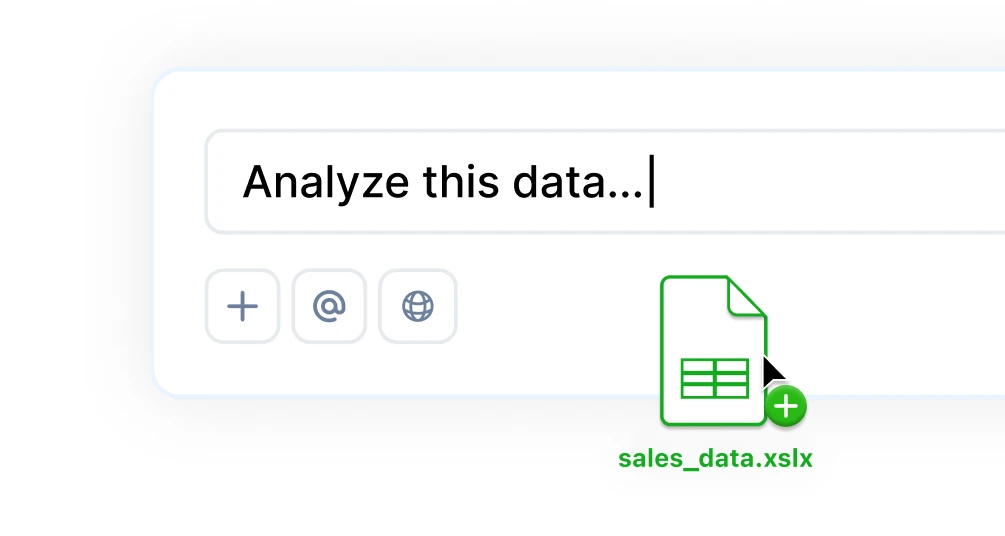
XLSX compatible. PDF Import. Drop in existing spreadsheets and get to work immediately. No migration scripts, no reformatting, no fuss.

Sourcetable vs Rows

Feature Comparison & Key Differences

Feature Rows Sourcetable
Interface & Workflow
Interface style Document + spreadsheet Spreadsheet-first
Native HTTP formula functions (=GET, =POST) Via connectors
Public shareable workbooks
Version history
Spreadsheet Basics
Standard functions & formulas
Pivot tables
CSV / XLSX import & export
Sort, filter, conditional formatting
Charts & data visualization
Real-time collaboration
Comments & cell annotations
Live Data
Built-in data integrations ~50 connectors 1,000+ connectors
Scheduled data refresh
Zapier / Make connectors
Data enrichment (company, people, places) Advanced
Database connectors (PostgreSQL, MySQL, BigQuery...) Full Support
Public databases
AI & Analysis
AI text (summarize, classify, translate)
Conversational AI analyst Basic queries Full analyst
AI formula writer & fixer
Python Sandboxed environment
Statistical analysis & forecasting Advanced
Data Science Plotly, scikit-learn, statsmodels, pandas, numpy, etc.
Finance Stock trading analyst
Natural language SQL
Deep research
Web research & scraping
Files & Scale
PDF & document import
Large CSV handling (up to 10GB)
Export to PDF
Business Intelligence suite
Collaboration & Sharing
Workspaces & folders
Role-based access & permissions
Slack shareable charts
Guest / viewer access
Try Sourcetable free →
Made with Sourcetable Sourcetable

How to migrate from Rows to Sourcetable

Three steps. Same day.

Step 1 — Export your data.

Download your spreadsheets from Rows as CSV or XLSX. Every formula, column, and data point comes with you.

Step 2 — Upload to Sourcetable.

Drop files directly in. XLSX and CSV work natively — no conversion, no reformatting, no friction.

Step 3 — Reconnect integrations.

Browse 100+ connectors and reauthorize your live data sources in minutes. Same data, new home.

Sourcetable
Q4 2025 Analysis
CS
A B C D E F G
Revenue by Quarter Q4 Breakout
AI ASSISTANT
EXPAND
Made with Sourcetable Sourcetable

All the integrations you relied on. Then some.

Reconnect in minutes — live data, same as before.

  • Salesforce

    Pull live CRM data, track pipeline, and analyze deal velocity with AI.

    Learn more →
  • Google Analytics

    Live traffic, conversion, and funnel data — analyzed instantly.

    Learn more →
  • HubSpot

    Marketing, sales, and service data in one place. Ask it anything.

    Learn more →
  • PostgreSQL

    Query your databases in plain English. SQL is there when you want it.

    Learn more →
  • Stripe

    Revenue, MRR, churn — live. Build financial models on real data.

    Learn more →
  • Excel / CSV

    Upload files up to 10GB. PDFs too. No size anxiety.

    Learn more →

Excel + ChatGPT + Python
=

The last spreadsheet you'll ever need.

Get Insights

Ask questions in plain English, generate charts instantly, use Python for custom logic, and tap into built-in research tools for deeper insights.

Hugging Face Hugging Face
Llama Llama
Claude Claude
Sourcetable Sourcetable
OpenAI OpenAI
*LLM's are not trained on your data
Get Insights

Visualizations

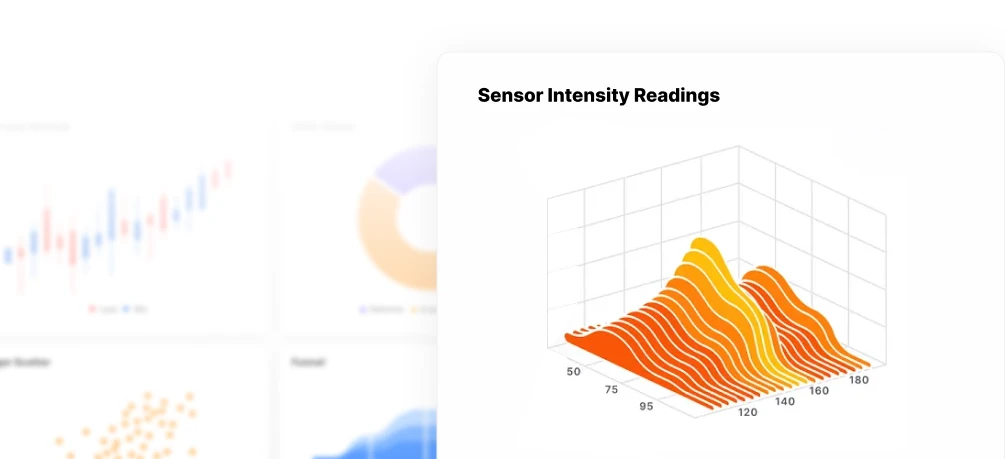
Turn data into charts & graphs instantly. Sourcetable helps you explore trends, uncover patterns, and present insights, automatically or on your terms.

Visualizations

Manipulate Data

Clean, shape, and structure data with AI, formulas, or code. Sourcetable helps you go from raw input to ready-to-use datasets in seconds.

Manipulate Data

Data Science

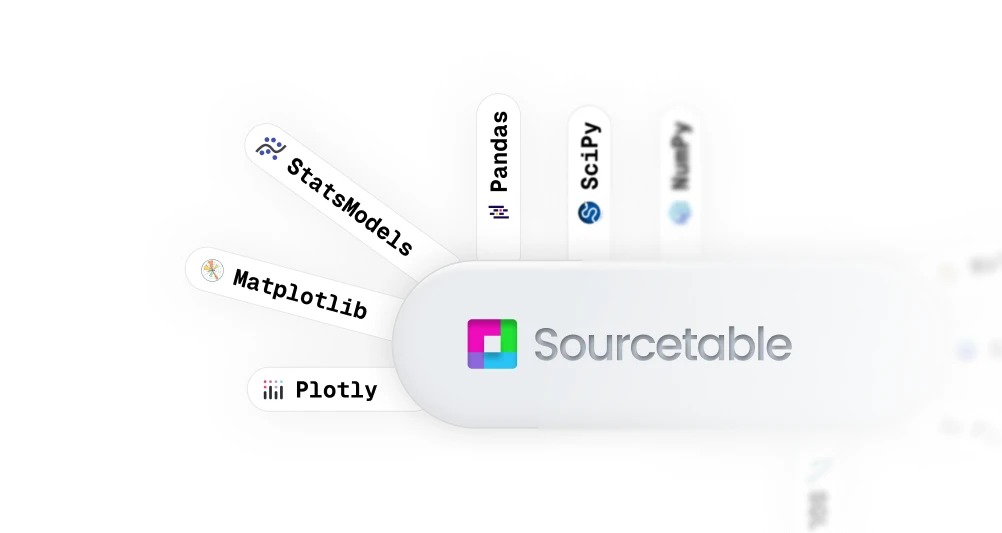
Sourcetable fuses AI smarts with Python's full analytical power, so you can clean, query, model, and visualize data without switching tools or writing a single line of code. It's everything you need, right where you need it.

Data Science

What else can Sourcetable do?

It can fix formulas. Chart your data. Summarize insights. Write SQL. Clean spreadsheets. Analyze giant CSVs. Build dashboards. Automate reports. Crawl the web. Create workflows. Generate templates. Talk to your data. Write formulas for you. Speed up your tasks.
It can fix formulas. Formula fixer
It can fix formulas.
Video: Analyze your data with an AI spreadsheet

Frequently Asked Questions

If your question is not covered here, you can contact our team.

Contact Us
How hard is it to migrate from Rows?
Not hard at all. Export your data from Rows as CSV or XLSX, upload directly to Sourcetable, and reconnect your integrations via our connector library. Most teams are fully up and running the same day.
Does Sourcetable support the same integrations as Rows?
Yes, and more. Sourcetable connects to 100+ live data sources including Salesforce, HubSpot, Google Analytics, Stripe, PostgreSQL, BigQuery, Snowflake, and dozens of others. If Rows had it, we almost certainly have it too.
Do my formulas and spreadsheets transfer?
Yes. Sourcetable is fully XLSX compatible. All standard spreadsheet formulas, functions, formatting, and charts work exactly as you'd expect. Your existing files just work.
What does the AI analyst do that Rows didn't?
Rows had AI for text tasks — summarizing, classifying, translating. Sourcetable's AI analyst goes further: it reads your live data, runs statistical analysis, builds charts, writes and fixes formulas, queries databases in plain English, and answers questions about your data — all without writing a single line of code.
Can I handle large files?
Yes. Sourcetable handles CSV files up to 10GB — and PDFs too. Enterprise accounts get higher limits. File size anxiety is officially over.
Is Sourcetable free?
Yes. The core spreadsheet is free to use. AI features and live integrations have usage limits on the free plan; upgrade to Pro for heavier workloads and unlimited integration syncs. No credit card required to start.

Enterprise-grade security

Your data is protected by industry-leading SOC 2 Type 2, HIPAA, and PCI compliance standards, whether in our cloud or on-premises.

Private key encryption

Private key encryption

Data encrypted at rest

Data encrypted at rest

Escrow KMS

Escrow KMS

Sourcetable Logo
Switch in a day. Not a week.

Connect your integrations, import your files, and start analyzing — free.

Drop CSV