














Sourcetable for Finance

Your numbers, closed before Friday.

Revenue models, P&L summaries, and budget tracking — built by AI from your actual financial data.

No more manual pulls. No more stale exports.

Try for free No credit card required
Sourcetable
Q4 2025 Analysis
CS
A B C D E F G
Revenue by Quarter Q4 Breakout
AI ASSISTANT
EXPAND
Made with Sourcetable Sourcetable

P&L built in minutes.

Connect your financial tools and get a clean P&L built from live data — not last month's export.

Budget vs actuals, live.

Track spend against plan as invoices and transactions come in — no manual reconciliation.

No more stale exports.

Build your models once and run them from live financial data any time you need a fresh view.

Connect your data

From the model to the board deck — built for every finance workflow.

  • Excel

    Upload your financial models, P&Ls, and budget trackers — including large multi-gig .xlsx files — and connect them to live data for analysis.

    Learn more →
  • QuickBooks

    Pull live transactions, P&L data, and account balances from QuickBooks directly into your financial models.

    Learn more →
  • Xero

    Connect Xero and your accounting data flows into Sourcetable in real time — no manual exports.

    Learn more →
  • PostgreSQL

    Query your financial database in plain English — pull exactly what you need without SQL or data team support.

    Learn more →

Three days of reconciliation.Now we close in one.

— Controller, Series C SaaS

What else can Sourcetable do?

Fix financial formulas. Write formulas for finance. Chart P&L and budgets. Summarize financial insights. Automate month-end reports. Build finance dashboards. Write SQL for GL data. Clean and reconcile data. Handle large ledgers. Crawl the web for rates and data. Create close workflows. Generate model templates. Talk to your numbers. Speed up close and reporting.
Fix financial formulas. Formula fixer
Fix financial formulas.
Video: Analyze your data with an AI spreadsheet

Excel + ChatGPT + Python
=

The last spreadsheet you'll ever need.

Get Insights

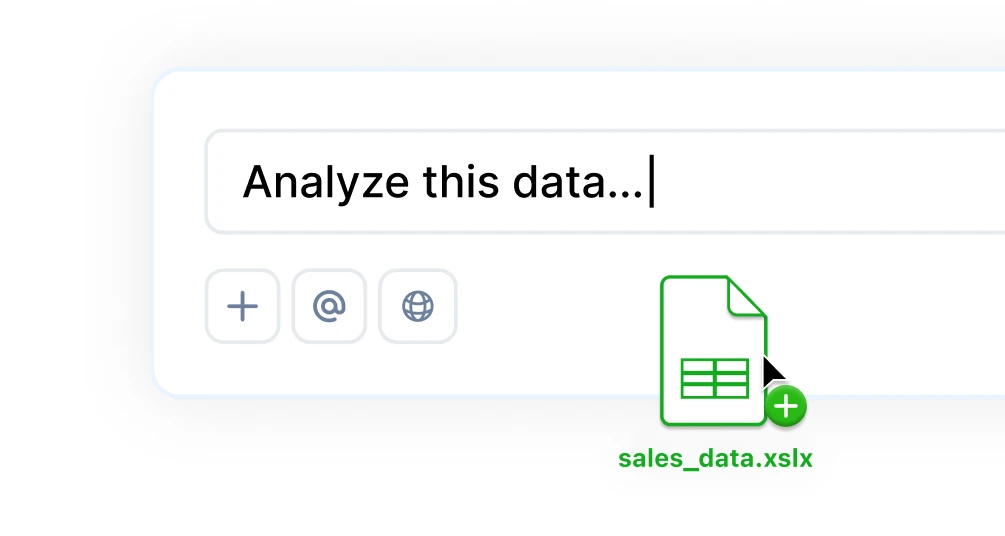
Ask questions in plain English, generate charts instantly, use Python for custom logic, and tap into built-in research tools for deeper insights.

Hugging Face Hugging Face
Llama Llama
Claude Claude
Sourcetable Sourcetable
OpenAI OpenAI
*LLM's are not trained on your data
Get Insights

Visualizations

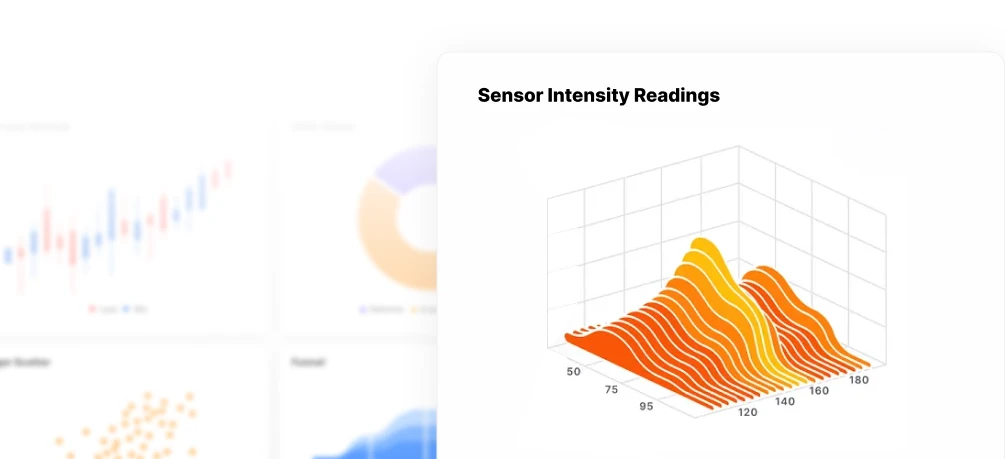
Turn data into charts & graphs instantly. Sourcetable helps you explore trends, uncover patterns, and present insights, automatically or on your terms.

Visualizations

Manipulate Data

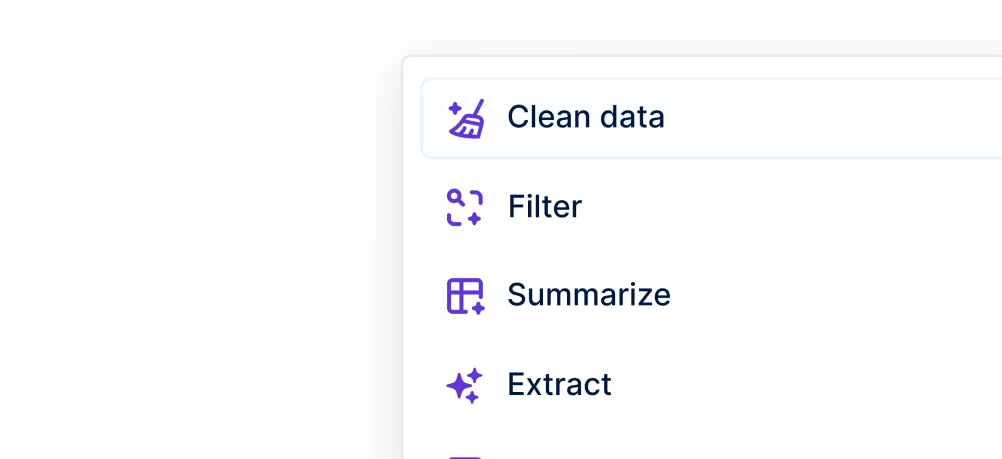
Clean, shape, and structure data with AI, formulas, or code. Sourcetable helps you go from raw input to ready-to-use datasets in seconds.

Manipulate Data

Data Science

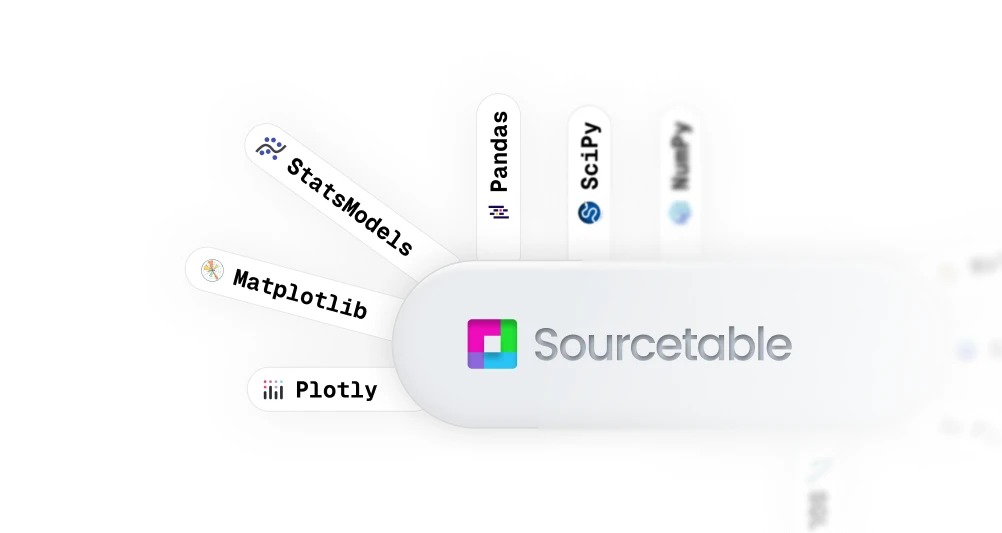
Sourcetable fuses AI smarts with Python's full analytical power, so you can clean, query, model, and visualize data without switching tools or writing a single line of code.

Data Science

Frequently Asked Questions

If your question is not covered here, you can contact our team.

Contact Us
Can Sourcetable connect to QuickBooks or Xero?
Yes. Connect your accounting platform and Sourcetable pulls live transaction data, trial balances, and P&L exports — so your models always reflect current numbers without manual exports.
How do I build a P&L summary in Sourcetable?
Upload your chart of accounts or trial balance and ask Sourcetable to structure it. It builds the income statement layout, calculates subtotals, and formats it for board-level sharing in minutes.
Can I track budget vs actuals across departments?
Yes. Map your department codes, upload your budget file, and Sourcetable calculates variances — flagging categories that are overspent or under-run each period.
What data sources are supported?
We currently support a variety of data file formats including spreadsheets (.xls, .xlsx, .csv), tabular data (.tsv), PDF, JSON, and database data (MySQL, PostgreSQL, MongoDB). We also support QuickBooks, Xero, and most plain text data.
Can I generate charts and visualizations?
Yes! It's very easy to generate clean-looking data visualizations using Sourcetable. Simply prompt the AI to create a chart or graph. All visualizations are downloadable and can be exported as interactive embeds.
Is this free?
Yes! Sourcetable's spreadsheet is free to use, just like Google Sheets. AI features have usage limits. Users can upgrade to the Pro plan for more credits.

Enterprise-grade security

Your data is protected by industry-leading SOC 2 Type 2, HIPAA, and PCI compliance standards, whether in our cloud or on-premises.

Private key encryption

Private key encryption

Data encrypted at rest

Data encrypted at rest

Escrow KMS

Escrow KMS

Sourcetable Logo
Build your first financial model — free

Connect your data. Get your P&L built in minutes.

Drop CSV