
Analyze S&P Global 100 data with AI
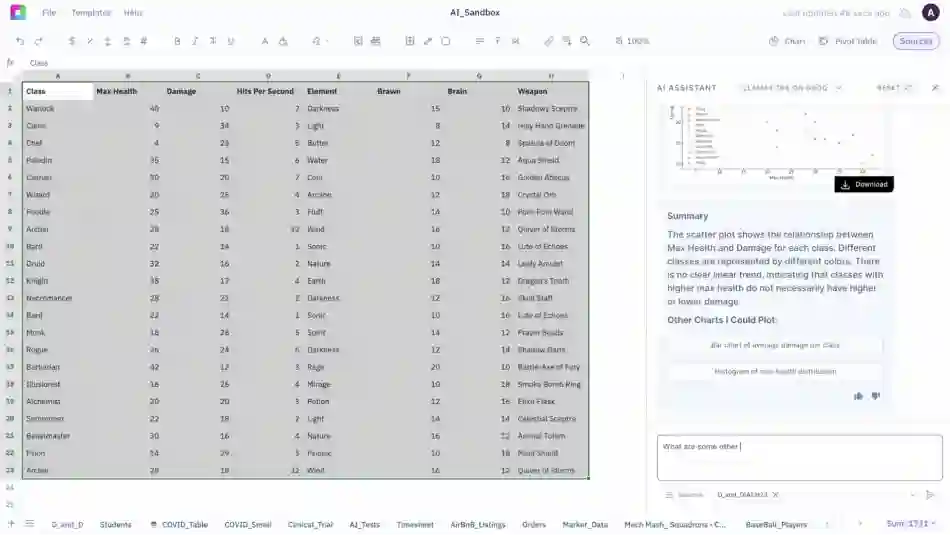
Sourcetable's AI is the smartest way to analyze market data. Built for Financial Analysts, Traders & Portfolio Managers, it's your AI-native Bloomberg-alternative.

Our Impact
100
Multinational Companies
$35T
Market Capitalization
90%
Time Savings vs Excel
5 Min
Complete Analysis Time
Why Choose Sourcetable for S&P Global 100 Analysis?
Combine the power of Excel with advanced AI to analyze global equities like never before
AI-Powered Analysis
Ask questions in plain English: "Which S&P Global 100 stocks have the highest international revenue?" Get instant answers with automated calculations and visual insights.
S&P Global 100 Data Analysis
Import and analyze S&P Global 100 data. Track index performance, constituent weights, sector allocations, and geographic revenue distribution with comprehensive historical data covering multinational blue-chip companies.
Instant Insights
Generate sector comparisons, risk assessments, and performance rankings in seconds. No more manual data entry or complex formula building.
Advanced Visualizations
Create professional charts, heat maps, and dashboards automatically. Export presentation-ready reports for clients or stakeholders.
Smart Screening
Filter S&P Global 100 constituents by any criteria: geographic exposure, currency hedging, regional valuations, international revenue mix, and liquidity measures across global markets.
Risk Analysis
Calculate portfolio risk, correlation matrices, and volatility measures across S&P Global 100 holdings with enterprise-grade accuracy.
Sourcetable tools for Stock Analysis
Whether you're tracking stocks or exploring new ideas, Sourcetable brings everything together, market data, your own files, and even insights from across the web.

Yahoo Finance
Access live market data, historical prices, and key metrics directly from Yahoo Finance. All without leaving your spreadsheet.

Financial Tools
Analyze fundamentals, technicals, sentiment, and more using Sourcetable's rich library of built-in AI finance tools.

CSV/XLSX Analysis
Import your own spreadsheets and get instant insights using formulas, visualizations, and AI-powered analysis tools.

Market Analysis Tools
Plan, research, and analyze markets inside Sourcetable with macro trading models, portfolio balancing, and advanced stock analysis. making complex strategies easier to design, test, and compare.
 Hugging Face
 Llama
Llama Claude
 Sourcetable
 OpenAI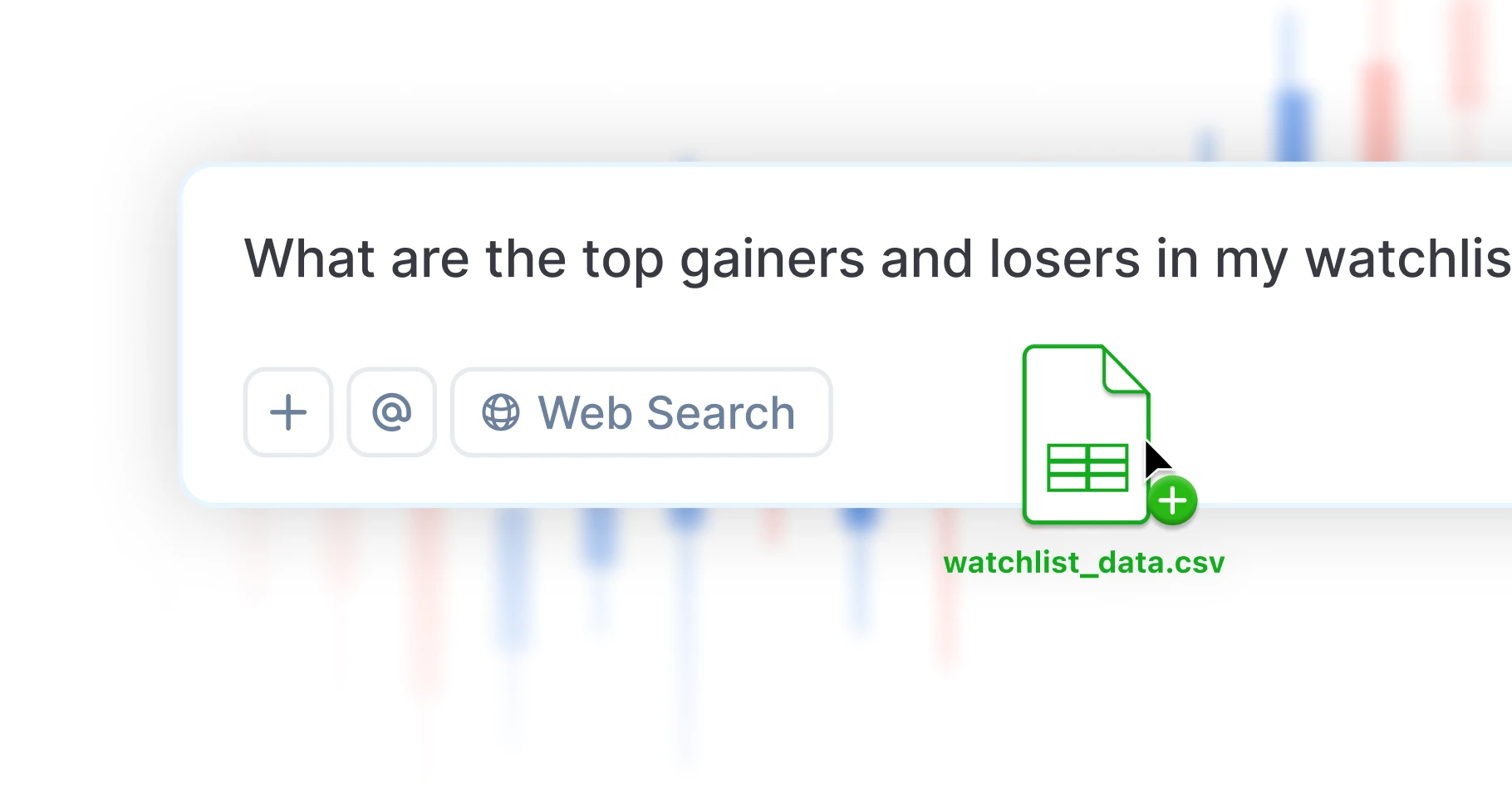
Code with AI
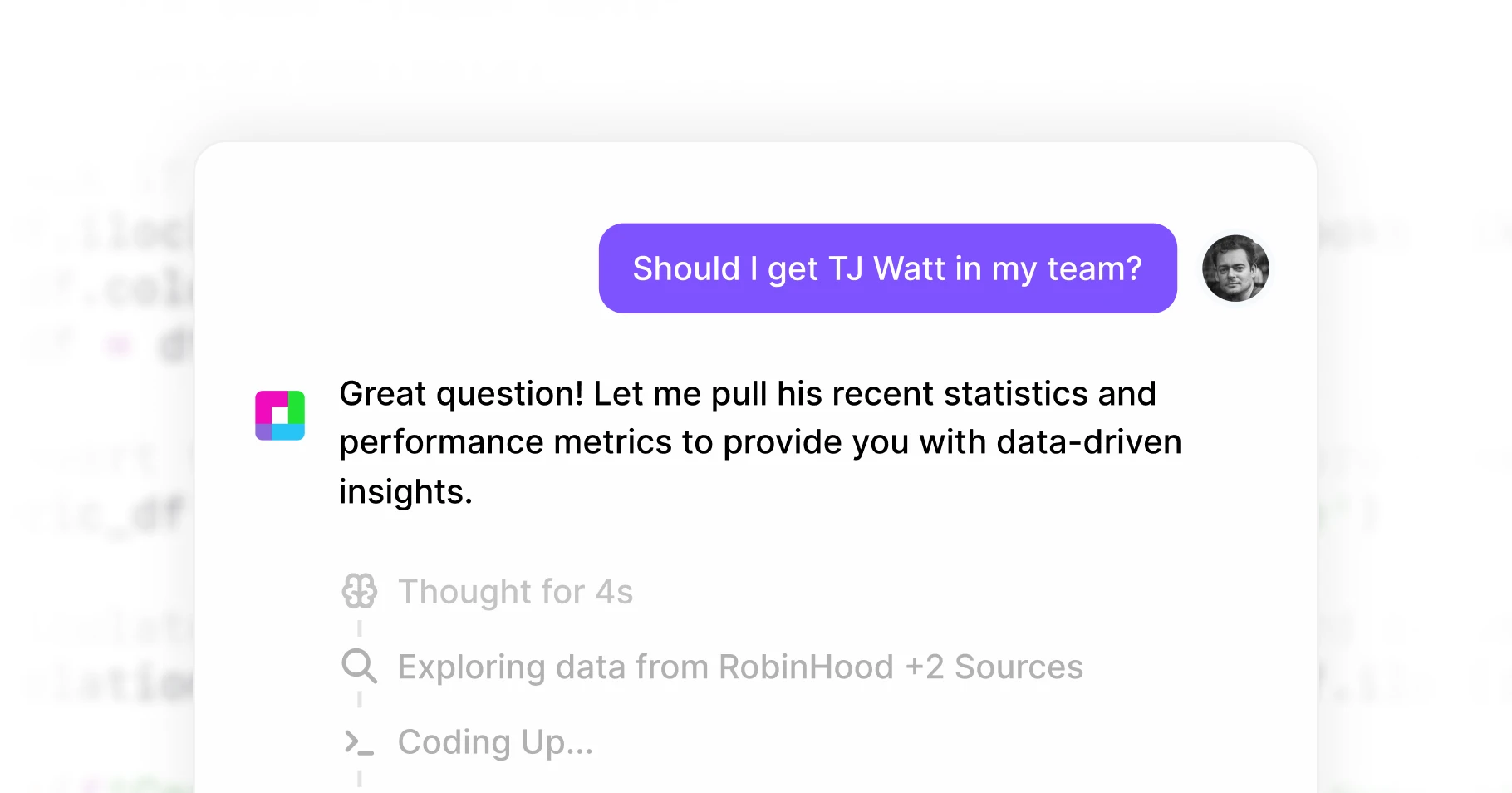
Run advanced financial analysis and research with natural language and Python-powered models.
Stay Connected
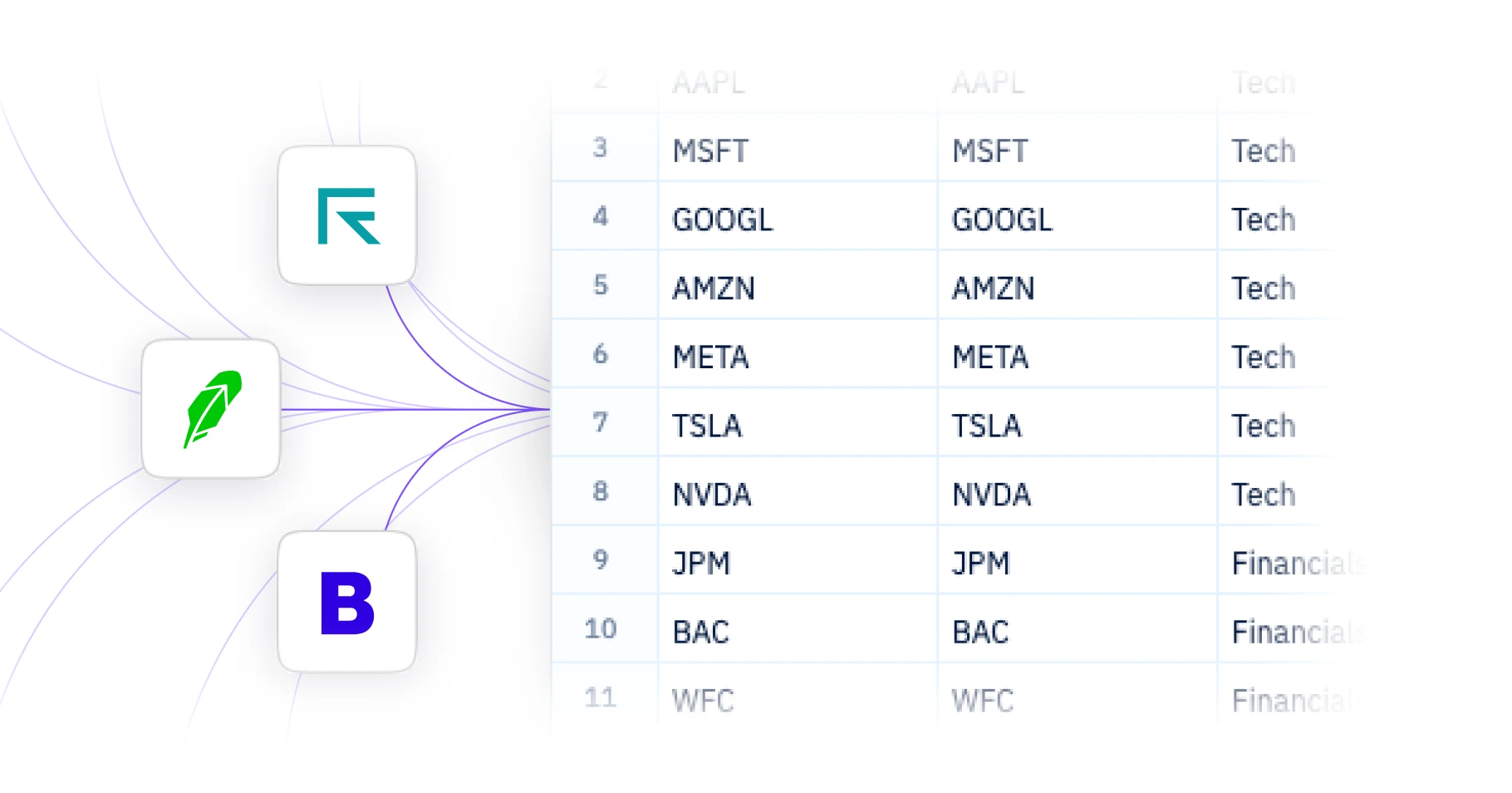
Connect brokerages, exchanges, data providers, and databases into one workflow via Superagents.
Execute Trades
Place trades through connected brokerages and platforms, alongside research and modeling.

Ready to Transform Your S&P Global 100 Analysis?
Join thousands of finance professionals who've made the switch to AI-powered index analysis
Frequently Asked Questions
If your question is not covered here, you can contact our team.
Contact UsWhat tools does Sourcetable offer for index analysis?
What data sources does Sourcetable support?
How do I import S&P Global 100 data into Sourcetable?
What analysis can I do with S&P Global 100 data?
How much does Sourcetable cost?
Can I create charts and visualizations?
How do I analyze S&P Global 100 with AI?
SourceTable
Join thousands of finance professionals who've made the switch to Al-powered stock analysis