

AI VLOOKUP Helper
Your AI-powered VLOOKUP helper
Sourcetable's AI VLOOKUP Helper enables you to perform lookups using plain English. From simple VLOOKUP formulas to complex multi-criteria matching - lookup data effortlessly without memorizing syntax.
Try for Free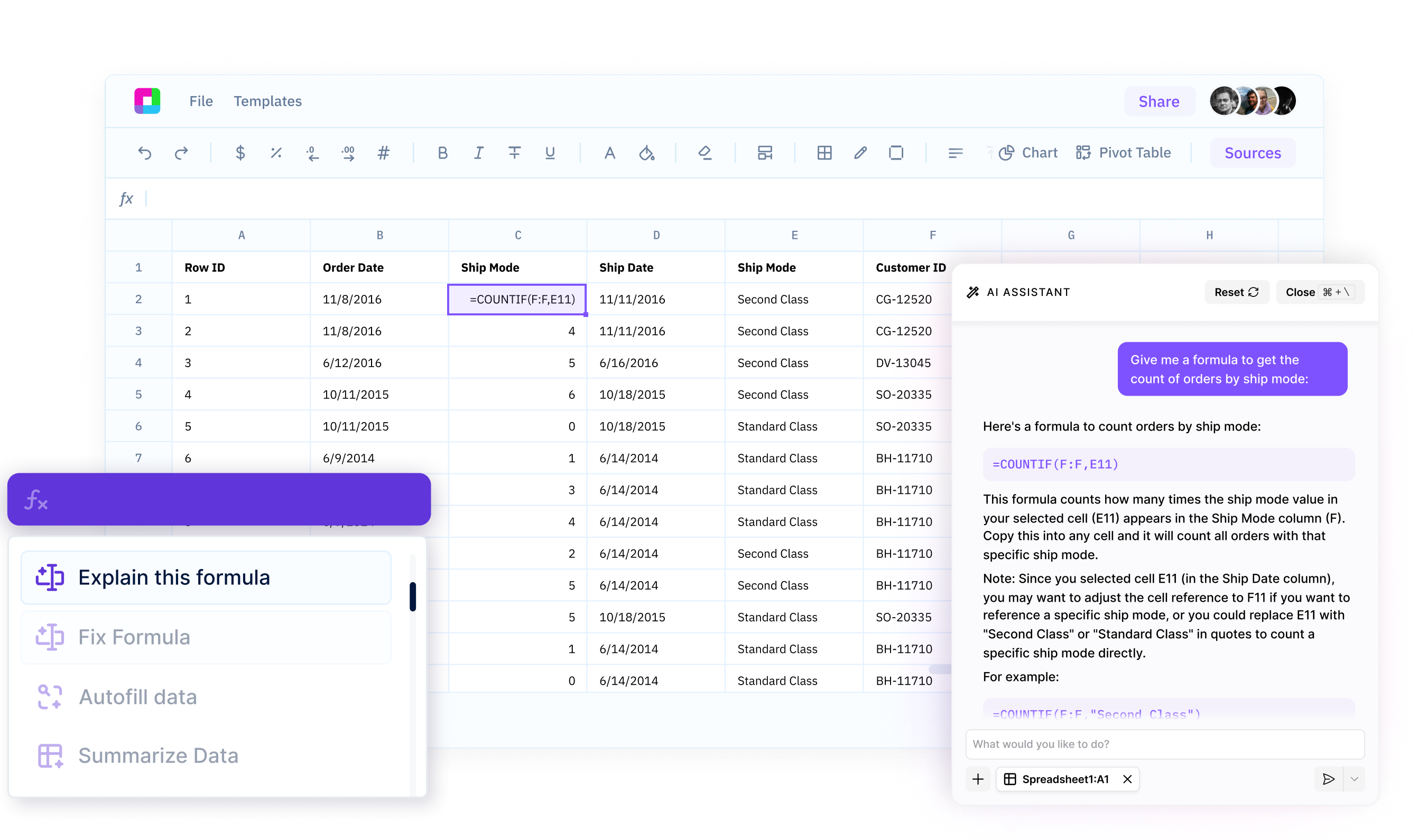
Natural language lookups
Perform lookups by describing what you want in plain English. No formula syntax to memorize - AI generates VLOOKUP, INDEX MATCH, or XLOOKUP formulas automatically.
Smart formula generation
Generate the right lookup formula for your needs. AI chooses between VLOOKUP, INDEX MATCH, and XLOOKUP based on your data structure and lookup requirements.
Intelligent error handling
Handle lookup errors gracefully with automatic error checking. AI adds IFERROR wrapping, provides fallback values, and explains why lookups fail.
Master Data Lookups with AI
Create VLOOKUP, INDEX MATCH, and XLOOKUP formulas using plain English. Just describe what you need to look up and AI generates the perfect formula - no more syntax errors or formula frustration.
Professional data lookups powered by AI
Natural Language Lookup Creation
Describe lookups in plain English and AI generates the right formula. Say "lookup customer email by ID" and get proper VLOOKUP or INDEX MATCH syntax with automatic error handling included.
Try for free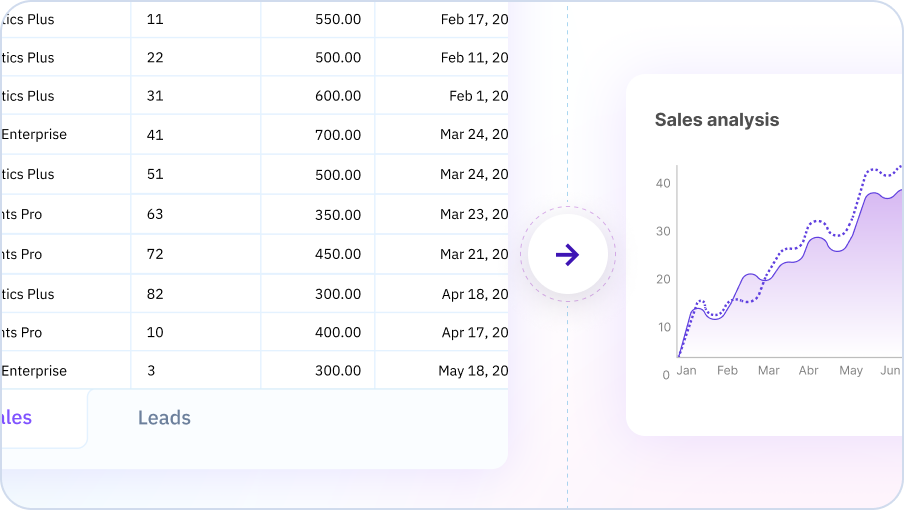
Smart Formula Selection and Optimization
AI selects the optimal lookup function based on your data—VLOOKUP for simple cases, INDEX MATCH for flexibility, or XLOOKUP for modern Excel. Handle nested lookups, multiple criteria, and cross-sheet references automatically.
Try for free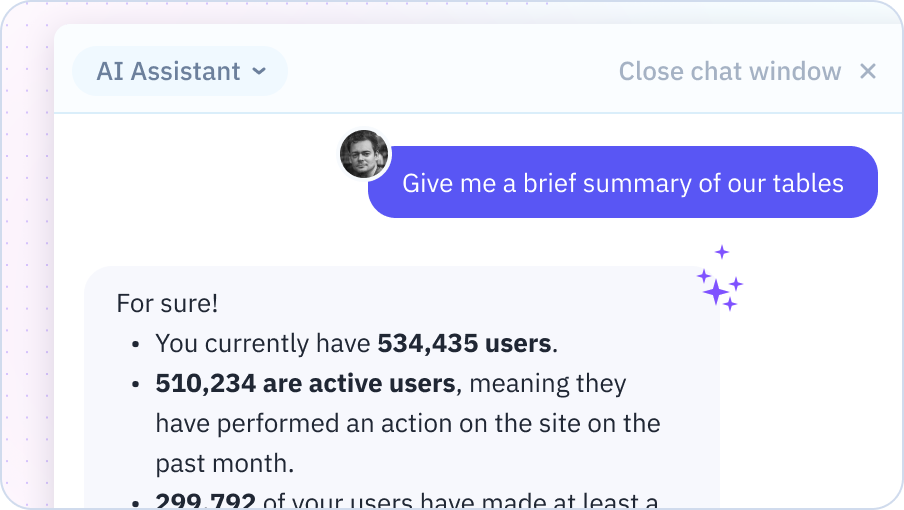
Intelligent Error Handling and Troubleshooting
Get automatic error handling with IFERROR wrapping and friendly error messages. AI detects common issues like missing values or incorrect ranges, validates lookup tables, and suggests formula improvements for better performance.
Try for free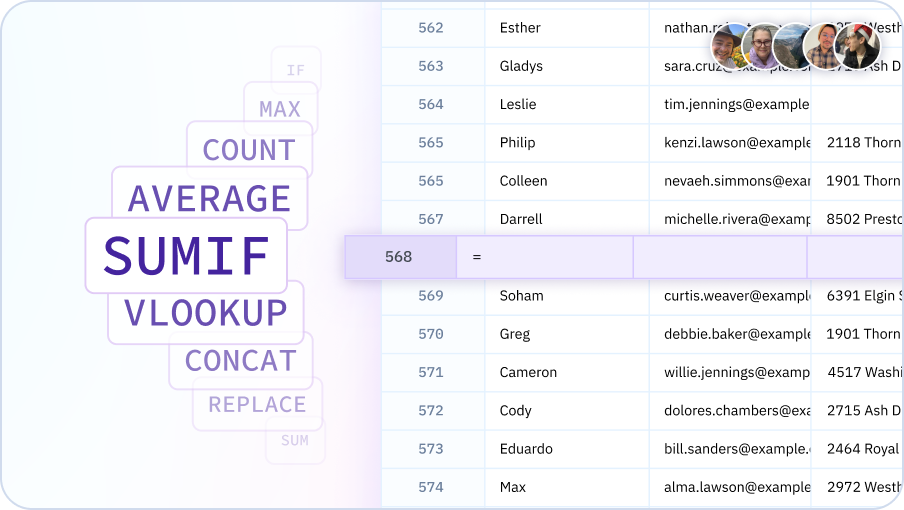
Create lookups with AI
Generate VLOOKUP formulas, match data, and handle errors - all with natural language in your spreadsheet.

Lookup data effortlessly
Lookups for everyone
Enable analysts, business users, and spreadsheet workers to perform lookups without Excel formula expertise. Democratize data matching and make VLOOKUP accessible to all.
Instant formula generation
Create lookup formulas in seconds using natural language. AI generates the right formula - VLOOKUP, INDEX MATCH, or XLOOKUP - based on your specific needs.
Smart error handling
Prevent lookup errors from breaking your spreadsheet. AI adds error handling automatically and provides meaningful messages when lookups fail.
Flexible matching
Handle exact matches, approximate matches, fuzzy matches, and multi-criteria lookups with simple descriptions. No complex formula nesting required.
Team Purple
See what people say about Sourcetable

Chris Aubuchon
@ChrisAubuchon

Spreadsheets are still the best interface for so many real world projects, it's time for @SourcetableApp to give them a reboot

Micah Alpern
@malpern
Love seeing innovation in this space after so many decades with very little.



Frequently Asked Questions
Do I need to understand VLOOKUP syntax to use this?
No, you don't need to know VLOOKUP syntax at all. Simply tell Sourcetable's AI what data you want to look up and where to find it. For example, 'match customer names in column A with their emails from the customers sheet' and Sourcetable's AI handles the technical VLOOKUP or XLOOKUP formula.
Can the AI help with VLOOKUP errors?
Yes, Sourcetable's AI can troubleshoot common VLOOKUP errors like #N/A, #REF!, or incorrect results. It will identify the issue (wrong table array, incorrect column index, missing approximate match parameter) and fix the formula or suggest using INDEX-MATCH or XLOOKUP as alternatives.
What's the difference between VLOOKUP, XLOOKUP, and INDEX-MATCH?
Sourcetable's AI automatically chooses the best lookup method for your situation. VLOOKUP is traditional but limited to right-side lookups. XLOOKUP is more flexible and modern. INDEX-MATCH is powerful for complex scenarios. You don't need to understand these differences - just describe what you want to match and Sourcetable's AI handles the technical details.
Can the AI perform lookups across multiple sheets?
Yes, Sourcetable's AI can create lookup formulas that search across multiple sheets or even multiple workbooks. Simply specify which sheets contain your lookup data and what you want to find.
How does the AI handle duplicate values in lookups?
Sourcetable's AI can handle duplicates in several ways depending on your needs: return the first match, last match, all matches concatenated, or create a summary of matching records. Just specify how you want duplicates handled in your request.
Can the AI create two-way lookups?
Yes, Sourcetable's AI can create two-way lookups (looking up based on both row and column criteria) using INDEX-MATCH or XLOOKUP combinations. This is useful for matrix-style data where you need to match both a row identifier and column header.