

Python Assistant
Analyze your data with AI-generated Python code
Sourcetable's AI Python Assistant enables you to explore and analyze your spreadsheet data using natural language. Simply ask questions about your data and get Python code with pandas, numpy, and matplotlib - no Python knowledge required.
Try for Free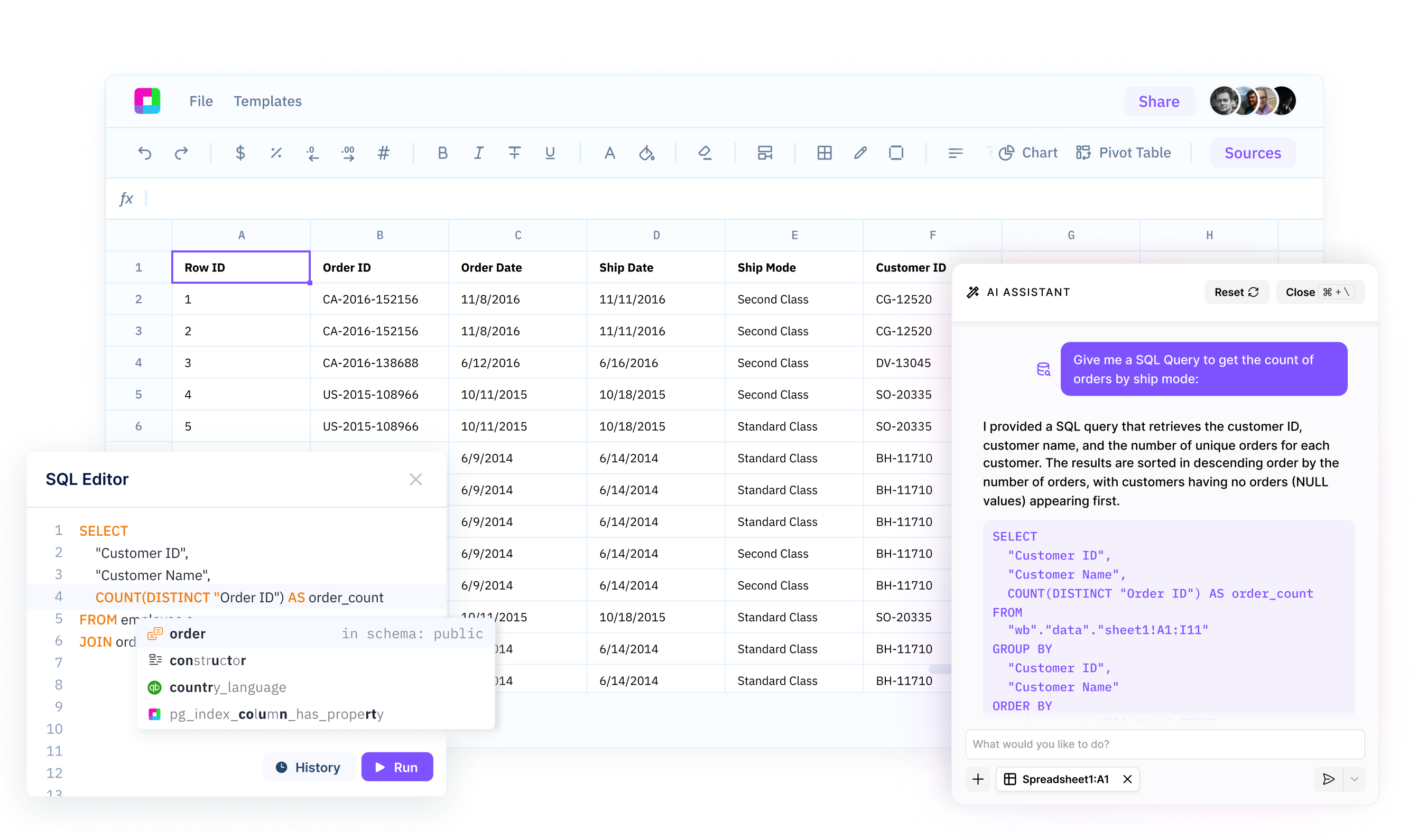
Get data insights without deep Python expertise
Ask questions about your spreadsheet data in plain English and Sourcetable will generate the corresponding Python code for you. Analyze and explore data using pandas and numpy, even if you're not a Python expert.
Uncover insights with AI-powered data analysis
Let Sourcetable's AI guide your data exploration. It intelligently suggests Python operations to uncover key insights, trends and anomalies in your data. Discover the most important stories in your spreadsheets with AI assistance.
Integrate Python seamlessly into your spreadsheet workflow
Leverage the full power of Python data analysis right within your Sourcetable spreadsheets. No need to export data or switch to Jupyter notebooks. Get in-depth insights while staying in your familiar spreadsheet interface.
Explore and analyze spreadsheet data effortlessly with AI-generated Python
Natural Language to Python
Simply type questions about your spreadsheet data in natural language. Sourcetable's AI understands your intent and converts it to optimized Python code using pandas, numpy, and matplotlib. Get the Python code you need without having to write it yourself.
Try for free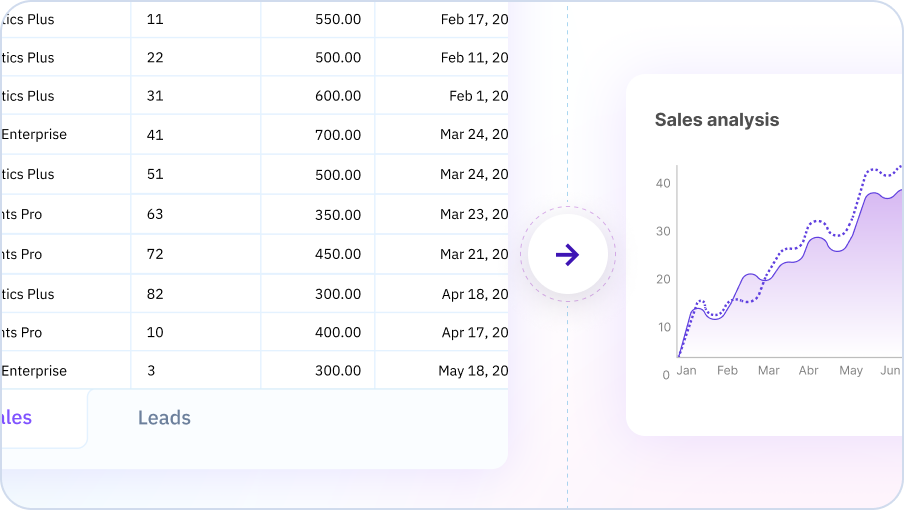
Intelligent Code Suggestions
Sourcetable's AI proactively suggests Python operations that could yield valuable insights from your data. It identifies potentially interesting data relationships, trends, and outliers for you to explore. Uncover the most important stories in your data with AI guidance.
Try for free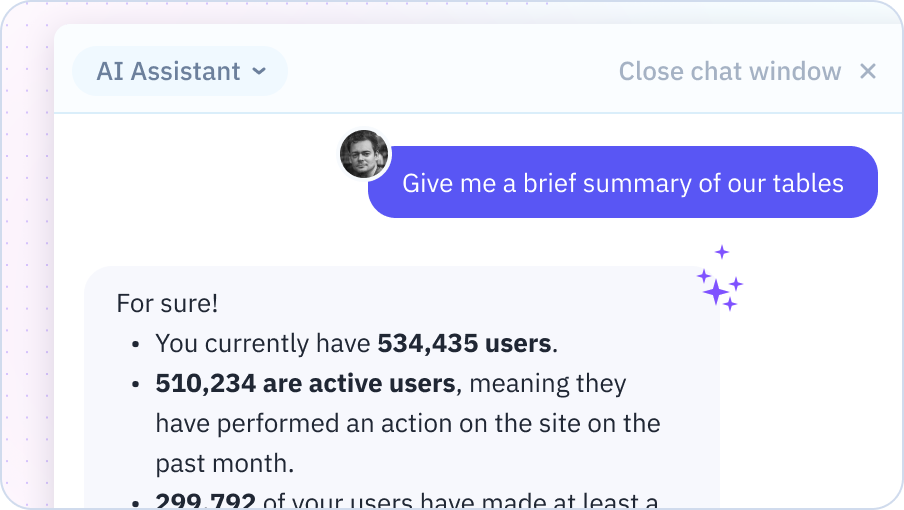
Seamless Spreadsheet Integration
Run AI-generated Python code directly on your spreadsheet data. Results appear right next to your raw data for easy analysis. Leverage pandas, numpy, matplotlib, and scikit-learn without ever leaving your spreadsheet.
Try for free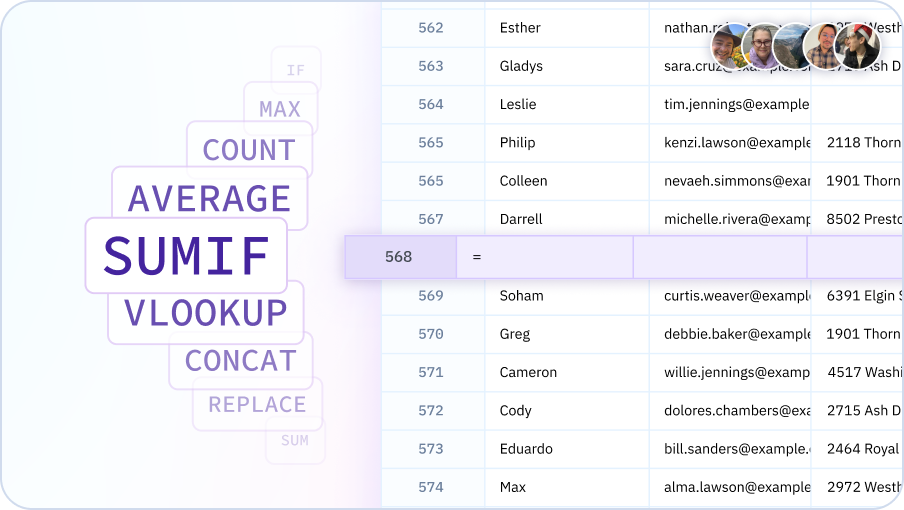
Get your spreadsheet work done faster with AI
Build financial models, analyze and summarize data, instantly generate charts and reports.

Analyze data like a pro, without needing to be a Python pro
Python for everyone
Enable anyone to run complex data analysis using Python and pandas, regardless of their coding knowledge. Empower your whole team to make data-driven decisions.
Streamline data exploration
Go from raw data to valuable insights faster. Let Sourcetable's AI guide you to the most important areas to analyze and generate Python code for you. Spend less time coding and more time uncovering insights.
Data science in a spreadsheet
Combine the flexibility and familiarity of spreadsheets with the power of Python. Perform advanced analysis with pandas, numpy, and scikit-learn that would be difficult in spreadsheets alone.
Proactive insight discovery
Uncover stories in your data you may not have thought to look for. Sourcetable proactively suggests Python operations to help you discover key insights and make the most of your data.
Team Purple
See what people say about Sourcetable

Chris Aubuchon
@ChrisAubuchon

Spreadsheets are still the best interface for so many real world projects, it's time for @SourcetableApp to give them a reboot

Micah Alpern
@malpern
Love seeing innovation in this space after so many decades with very little.



Frequently Asked Questions
Do I need to know Python to use the AI Python Assistant?
No Python knowledge is required. Describe what you want to accomplish in plain English, and Sourcetable's AI will write the Python code for you. You can use powerful libraries like Pandas, NumPy, and Matplotlib without knowing how to code.
What Python libraries are available?
Sourcetable includes all major data science libraries: Pandas (data manipulation), NumPy (numerical computing), Matplotlib and Plotly (visualization), SciPy (scientific computing), Scikit-learn (machine learning), StatsModels (statistics), Seaborn (statistical visualization), and many more.
Can the AI Python Assistant explain the code it writes?
Yes, Sourcetable's AI can explain every line of Python code it generates, walking through the logic and teaching you how the code works. This helps you learn Python while getting your work done.
Can I modify the Python code after the AI generates it?
Yes, all generated Python code is fully editable. You can modify the code directly or ask Sourcetable's AI to adjust it by describing your changes in natural language. Advanced users can write their own Python code alongside AI-generated code.
How is this different from using Jupyter notebooks?
Unlike Jupyter notebooks where you need to write all code yourself, Sourcetable's AI Python Assistant writes code for you based on natural language requests. It combines the power of Python with the accessibility of spreadsheets, making advanced data science accessible to non-programmers.
Can the AI Python Assistant perform machine learning?
Yes, Sourcetable's AI can build machine learning models using scikit-learn, including regression, classification, clustering, and more. Simply describe your prediction or classification goal, and Sourcetable's AI will prepare your data, train the model, and evaluate results.