

AI Pivot Table Generator
Your AI-powered pivot table generator
Sourcetable's AI Pivot Table Generator enables you to create pivot tables using plain English. From simple summaries to complex multi-dimensional analysis - generate pivot tables effortlessly without manual configuration.
Try for Free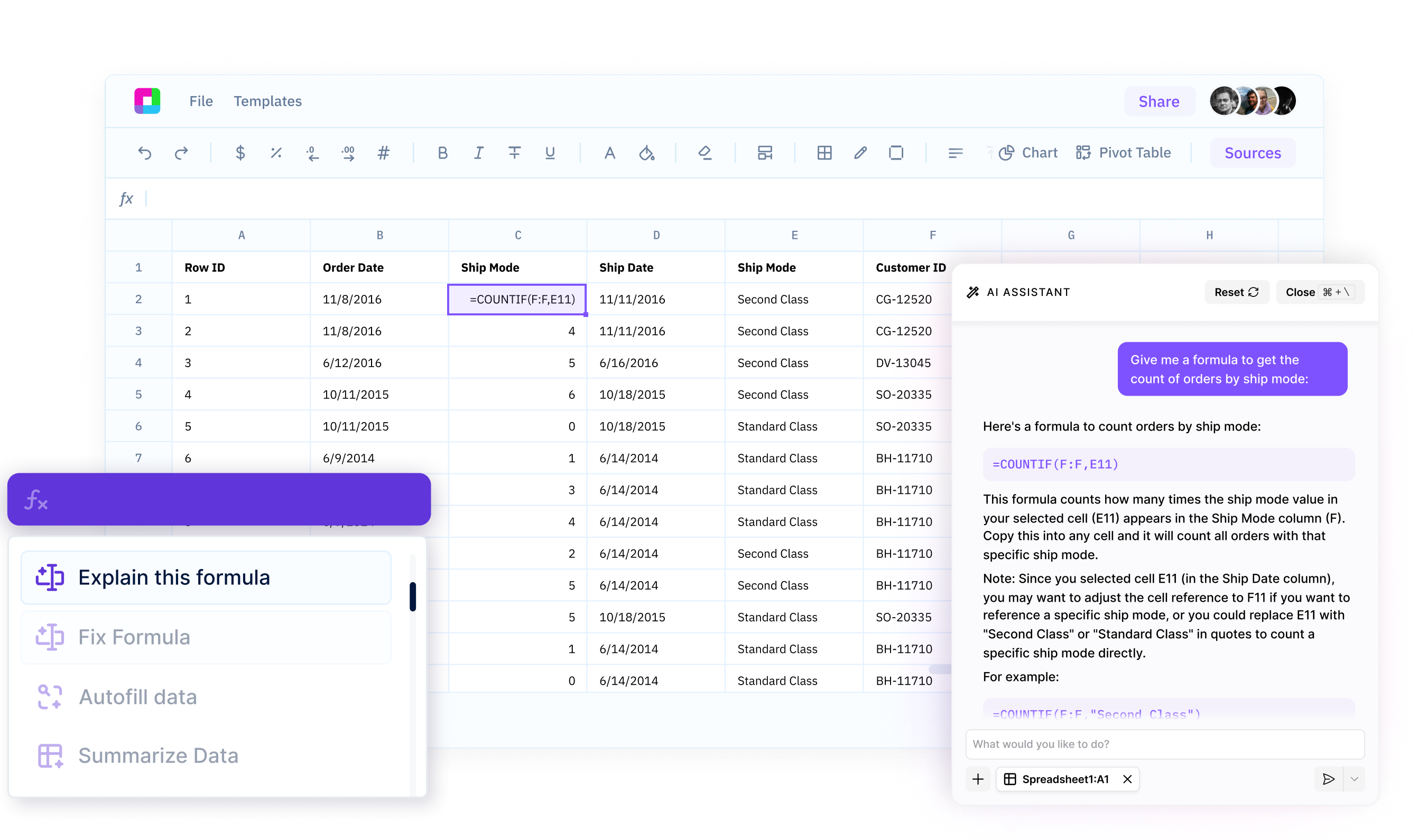
Natural language pivot tables
Create pivot tables by describing what you want in plain English. No manual dragging fields or configuring settings - AI understands your intent and builds the pivot table automatically.
Smart data aggregation
Sum, average, count, min, max, and calculate custom metrics effortlessly. AI applies the right aggregation functions and handles complex calculations including percentages and running totals.
Dynamic filtering and grouping
Filter data by criteria, group by time periods, and create multi-level hierarchies intelligently. AI handles date grouping, top N filtering, and conditional formatting automatically.
Your AI-Powered Pivot Table Generator
Sourcetable's AI Pivot Table Generator enables you to create pivot tables using plain English.
Professional pivot tables powered by AI
Natural Language Pivot Creation
Create pivot tables using plain English commands. Say "show total sales by region and product category" and AI generates the complete pivot table structure with proper row labels, columns, and aggregations configured automatically.
Try for free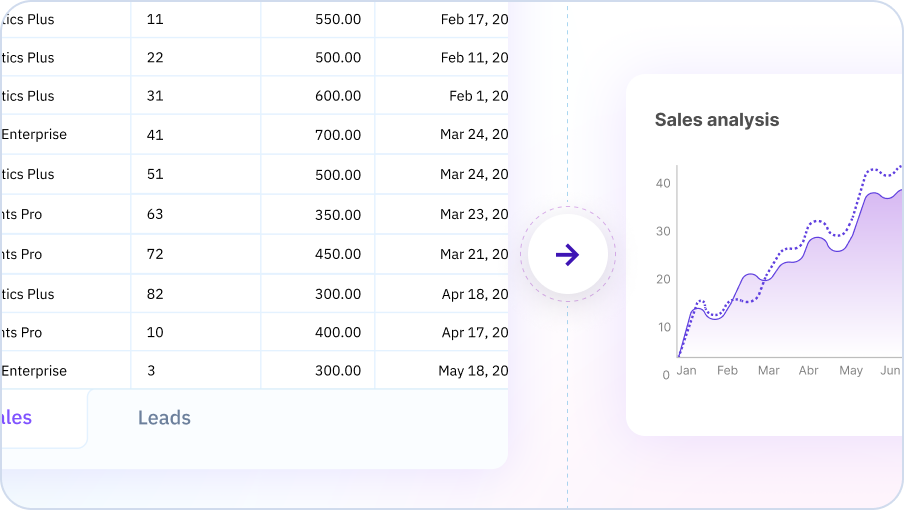
Intelligent Data Aggregation and Calculation
AI applies optimal aggregation functions based on data types—sum revenue, count transactions, calculate averages and percentages automatically. Create calculated fields using business logic with simple natural language descriptions.
Try for free
Dynamic Filtering and Advanced Grouping
Apply dynamic filters and grouping automatically. Show top N products, filter by criteria, and group dates by day, week, month, or custom periods without manual configuration. Create drill-down hierarchies for detailed exploration.
Try for free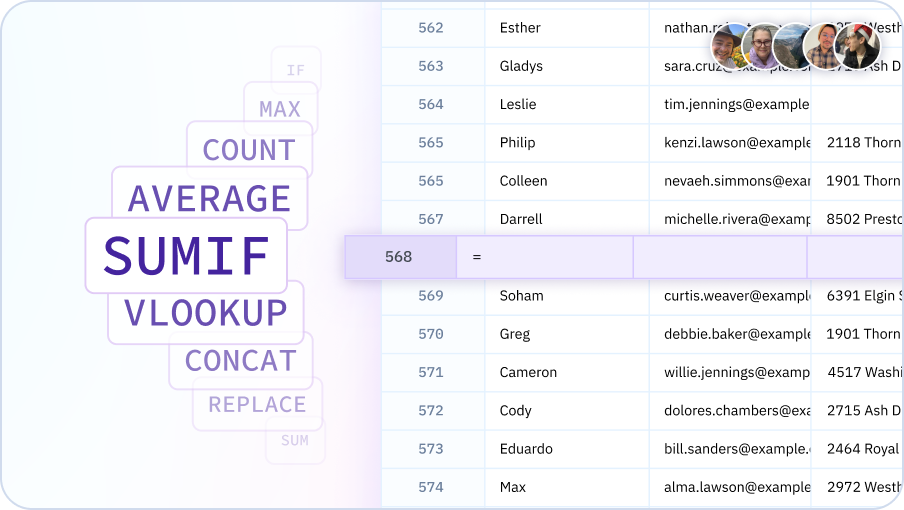
Create pivot tables with AI
Aggregate data, calculate metrics, and analyze trends - all with natural language in your spreadsheet.

Analyze data effortlessly
Pivot tables for everyone
Enable analysts, managers, and business users to create pivot tables without Excel expertise. Democratize data analysis and make insights accessible to all skill levels.
Instant summaries
Generate pivot tables in seconds, not minutes. AI handles field configuration, aggregation setup, and formatting automatically - focus on insights, not mechanics.
Complex analysis simplified
Build multi-dimensional pivot tables with calculated fields, running totals, and percentage changes using plain English. No formula knowledge required.
Dynamic exploration
Modify pivot tables instantly by describing changes. Add dimensions, change aggregations, apply filters, and reconfigure layouts without manual field management.
Team Purple
See what people say about Sourcetable

Chris Aubuchon
@ChrisAubuchon

Spreadsheets are still the best interface for so many real world projects, it's time for @SourcetableApp to give them a reboot

Micah Alpern
@malpern
Love seeing innovation in this space after so many decades with very little.



Frequently Asked Questions
Do I need to know how pivot tables work?
No, you don't need any knowledge of pivot tables. Simply describe what summary or breakdown you want to see, and Sourcetable's AI will create the appropriate pivot table. For example, say 'show me total sales by product and region' and Sourcetable's AI generates the pivot table automatically.
Can the AI create complex pivot tables with multiple dimensions?
Yes, Sourcetable's AI can create sophisticated pivot tables with multiple row and column groupings, calculated fields, filters, and various aggregation functions. It can handle complex requirements that would normally take significant time to set up manually.
Can I modify the pivot table after the AI creates it?
Yes, all AI-generated pivot tables are fully editable. You can add or remove fields, change aggregation methods, apply filters, and adjust the layout. Sourcetable's AI can also help you modify the pivot table by describing your changes in natural language.
How does this compare to Excel pivot tables?
Sourcetable's AI Pivot Table Generator eliminates the manual setup process required in Excel. Instead of dragging fields and configuring options, you describe what you want and get instant results. The generated pivot tables are compatible with Excel and include all standard pivot table features.
Can the AI create pivot charts automatically?
Yes, when you ask for a pivot table, Sourcetable's AI can also generate accompanying pivot charts to visualize your summary data. You can request specific chart types or let Sourcetable's AI choose the most appropriate visualization.
What aggregation functions are supported?
Sourcetable's AI supports all standard aggregation functions including SUM, COUNT, AVERAGE, MIN, MAX, MEDIAN, STDEV, COUNT DISTINCT, and custom calculated fields. Just describe the calculation you need in natural language.