

AI PDF to Excel Converter
Your AI-powered PDF to Excel converter
Sourcetable's AI PDF to Excel Converter enables you to extract tables from PDFs, preserve formatting, and clean data automatically. From simple tables to complex multi-page documents - convert PDFs effortlessly without manual copying.
Try for Free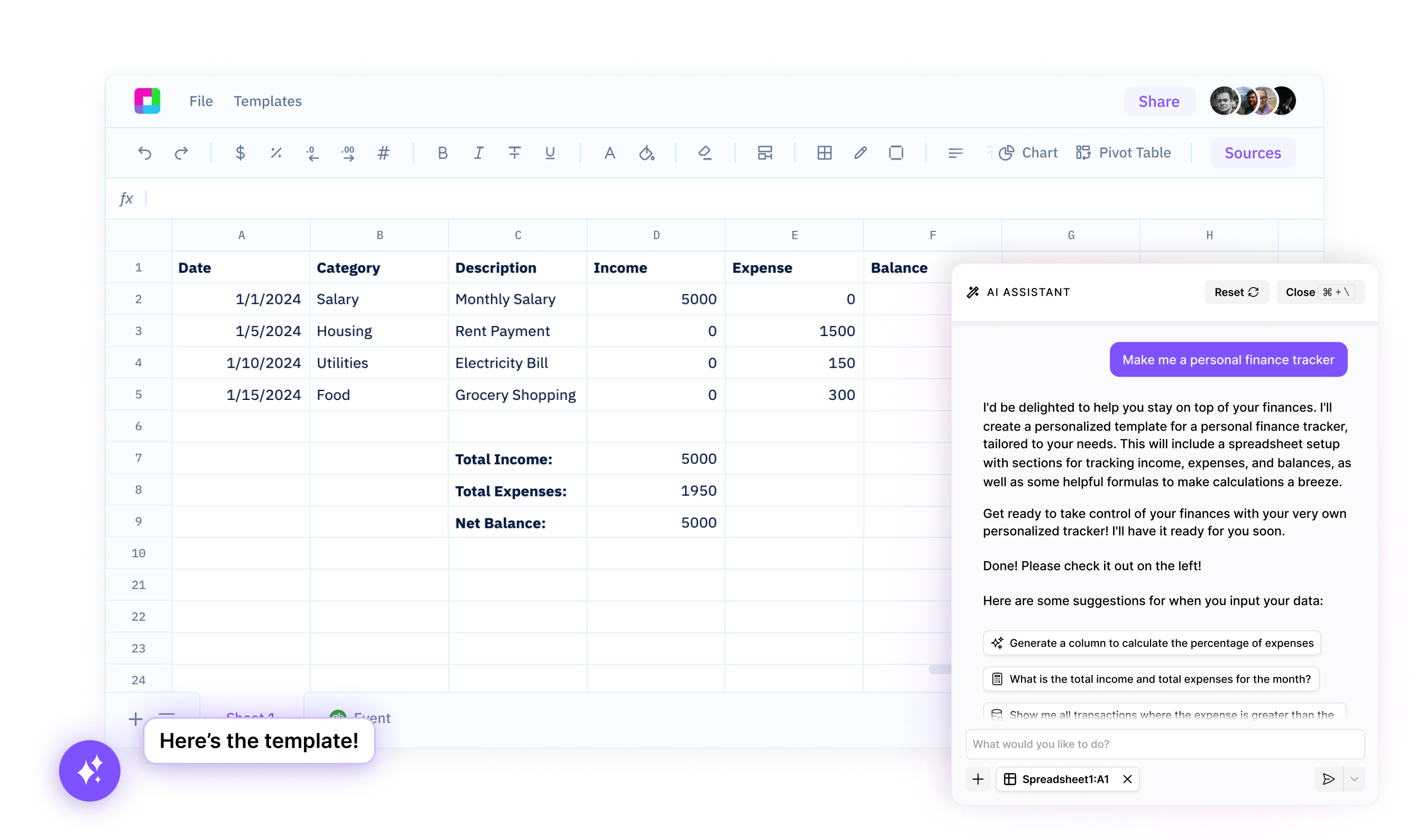
Intelligent table extraction
Detect and extract tables from PDFs automatically, even from complex multi-column layouts. AI recognizes table boundaries, headers, and data rows without manual selection.
Smart data cleaning
Clean extracted data automatically - remove page numbers, handle merged cells, parse dates correctly, and format numbers. AI ensures analysis-ready data.
Multi-page processing
Extract tables from multi-page documents and combine them intelligently. Handle repeating headers, page breaks, and spanning rows automatically across pages.
Your AI-Powered PDF to Excel Converter
Sourcetable's AI PDF to Excel Converter enables you to extract tables from PDFs, preserve formatting, and clean data automatically.
Professional PDF conversion powered by AI
Intelligent Table Detection and Extraction
Automatically detect and extract tables from PDF documents without manual configuration. AI recognizes table boundaries, handles complex layouts, and processes both native PDFs and scanned documents using OCR technology.
Try for free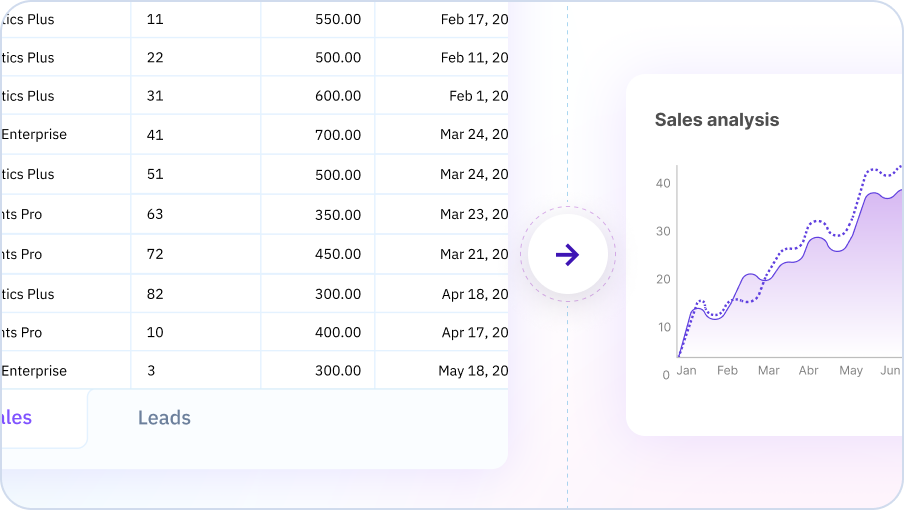
Smart Data Cleaning and Formatting
Get analysis-ready data with automatic cleaning and formatting. AI removes headers and footers, handles merged cells, converts currency and dates correctly, and detects data types to produce properly formatted spreadsheets.
Try for free
Multi-Page Processing and Batch Conversion
Process multi-page documents and batch conversions intelligently. AI detects when tables span page breaks, removes repeated headers, and combines data seamlessly into unified datasets ready for analysis.
Try for free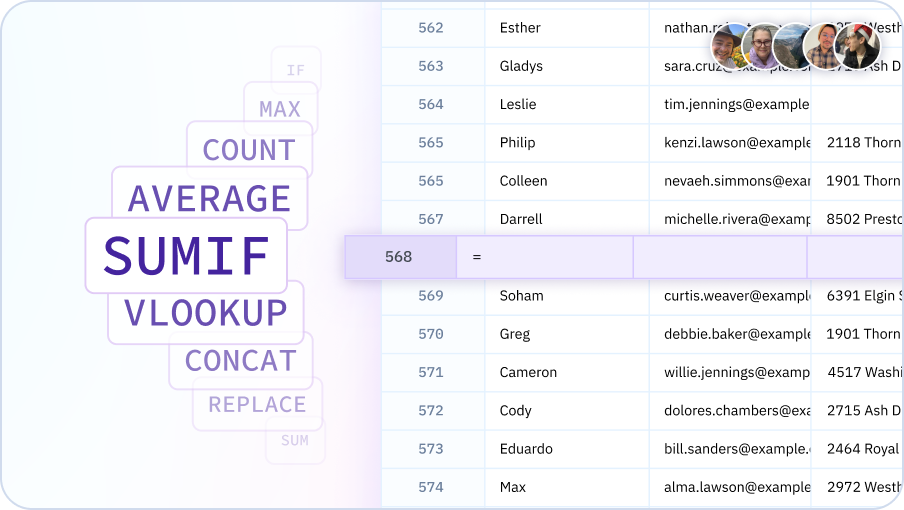
Convert PDF to Excel with AI
Extract tables, clean data, and format results - all with AI assistance in your spreadsheet.

Convert PDFs effortlessly
PDF conversion for everyone
Enable analysts, researchers, and business users to extract data from PDFs without specialized tools. Democratize data extraction and make PDF data accessible for analysis.
Instant table extraction
Extract tables from PDFs in seconds, not hours. AI detects tables automatically, handles complex layouts, and produces clean spreadsheet data without manual copying.
Accurate data extraction
Preserve data integrity during conversion. AI maintains correct row-column relationships, handles merged cells appropriately, and validates extraction accuracy automatically.
Analysis-ready output
Get clean, formatted data ready for immediate analysis. AI cleans extracted data, formats numbers correctly, and structures tables for spreadsheet workflows.
Team Purple
See what people say about Sourcetable

Chris Aubuchon
@ChrisAubuchon

Spreadsheets are still the best interface for so many real world projects, it's time for @SourcetableApp to give them a reboot

Micah Alpern
@malpern
Love seeing innovation in this space after so many decades with very little.



Frequently Asked Questions
What types of PDFs can the AI convert to Excel?
Sourcetable's AI converts tables from PDFs including financial reports, invoices, bank statements, data reports, scanned documents, and any PDF containing tabular data. It works with both digital and scanned PDFs.
How accurate is the PDF to Excel conversion?
Sourcetable's AI uses advanced OCR and table detection to accurately extract data from PDFs. It recognizes table structures, maintains relationships between cells, and preserves number formatting and calculations.
Can the AI handle multi-page PDFs?
Yes, Sourcetable's AI processes multi-page PDFs and can combine tables that span across pages. It intelligently handles page breaks and maintains data continuity throughout the document.
What about PDFs with complex layouts or multiple tables?
Sourcetable's AI detects multiple tables within a PDF and extracts each one separately. You can preview the detected tables and select which ones to convert to Excel.
Can the AI extract data from scanned PDFs?
Yes, Sourcetable's AI includes OCR (Optical Character Recognition) to extract data from scanned PDFs or images. It recognizes text and table structures even when the PDF is just an image.
How does this compare to manual PDF data entry?
Instead of manually retyping data from PDFs (which takes hours and introduces errors), Sourcetable's AI extracts everything automatically in seconds with high accuracy. This saves enormous time on repetitive data entry tasks.