

AI Data Analyst
Your AI-powered data analyst
Sourcetable's AI Data Analyst enables you to explore data, discover insights, and create compelling visualizations. From cleaning messy data to generating executive reports - get expert analysis without the manual work.
Try for Free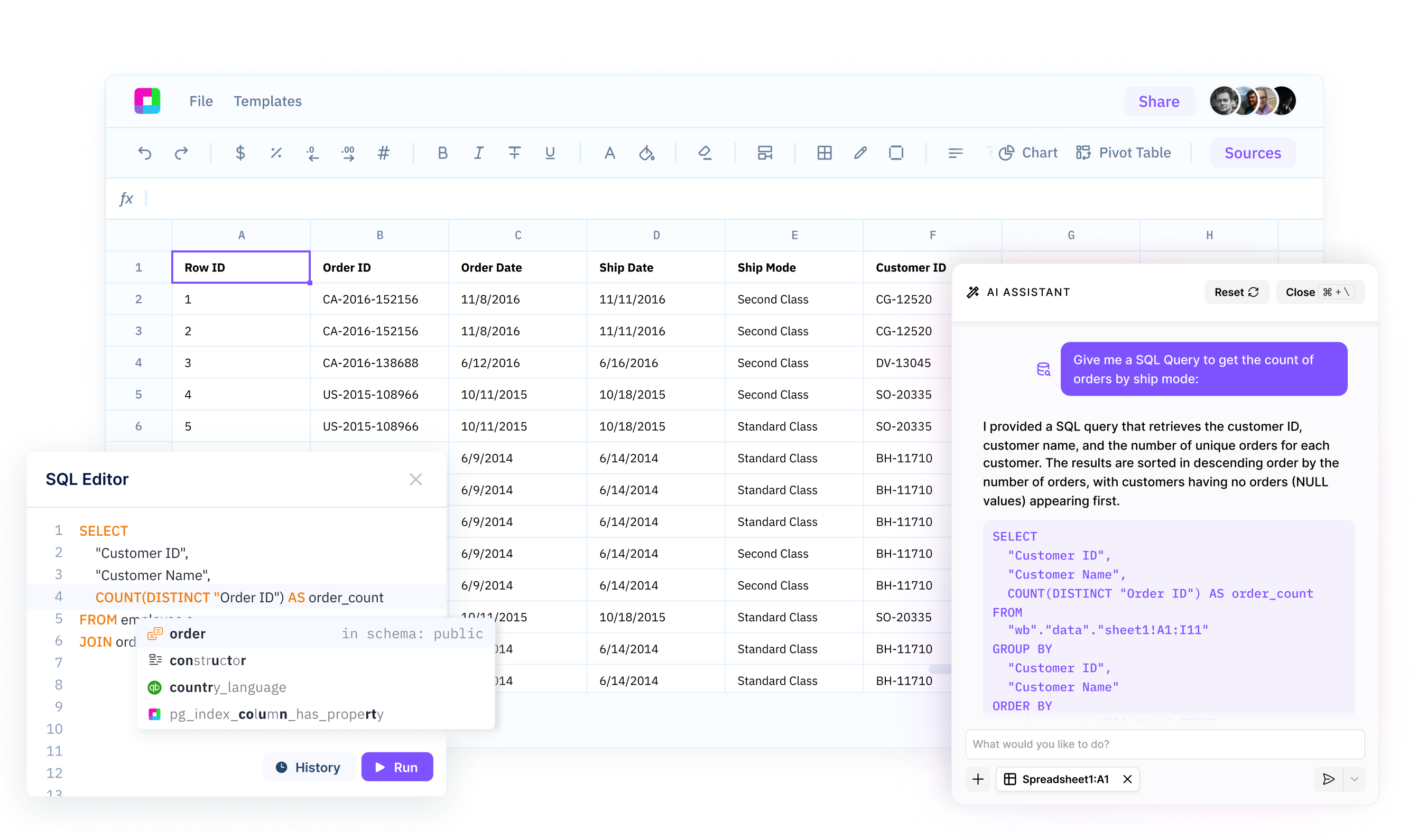
Explore and understand your data
Automatically profile datasets, identify data types, detect missing values, and discover relationships. AI helps you understand what's in your data and what it means for your analysis.
Discover actionable insights
Find patterns, trends, and anomalies in your data automatically. AI highlights what matters, identifies correlations, and surfaces insights you might miss manually.
Create compelling visualizations
Generate charts, graphs, and dashboards that tell your data's story. AI selects the right visualization type and formats data for maximum impact.
Analyze Any Data with AI
Explore, visualize, and understand your data using natural language. AI guides your analysis and suggests insights - no technical skills required.
Professional data analysis powered by AI
Complete Data Exploration
Profile your datasets to understand structure, data types, and quality issues. Automatically detect missing values, duplicates, and outliers. Get statistical summaries, distributions, and correlation matrices to understand relationships in your data.
Try for free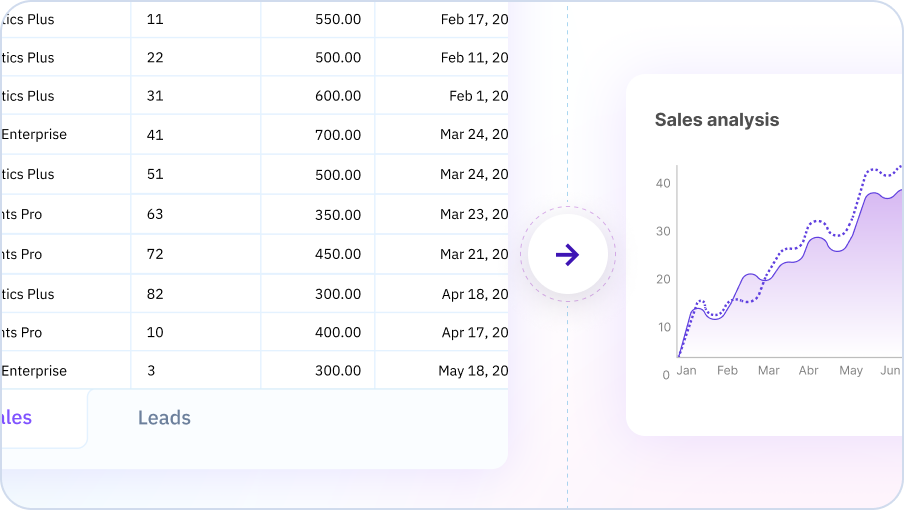
Automated Insight Discovery
AI analyzes your data to find patterns, trends, and anomalies automatically. Identify key drivers, segment customers, compare performance across groups, and discover relationships between variables without manual exploration.
Try for free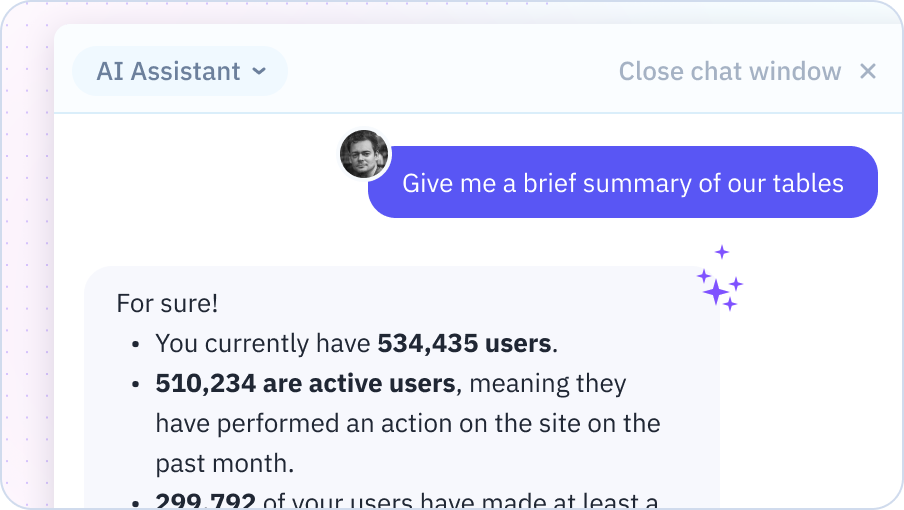
Visualization and Reporting
Create professional charts, graphs, and dashboards in seconds. AI selects the optimal visualization type for your data and analysis goal. Generate executive summaries, detailed reports, and interactive dashboards ready to share with stakeholders.
Try for free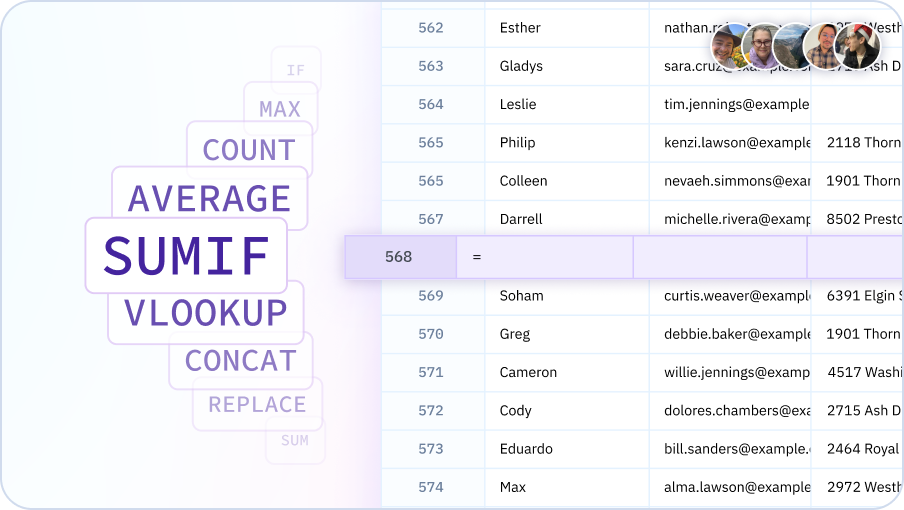
Turn data into insights with AI
Explore, analyze, and visualize - all with AI assistance in your spreadsheet.

Make data-driven decisions faster
Data analysis for everyone
Enable business users, analysts, and decision-makers to analyze data without SQL or coding skills. Democratize data insights across your entire organization.
10x faster analysis
Complete analyses in minutes instead of hours. AI automates data cleaning, exploration, and visualization so you can focus on insights and decisions.
More accurate insights
Reduce human error and bias in data analysis. AI systematically explores data, tests hypotheses, and validates findings to ensure reliable insights.
Scale your analytics
Analyze multiple datasets, create standard reports, and share insights with stakeholders. Handle analytical workloads that would require a team of analysts.
Team Purple
See what people say about Sourcetable

Chris Aubuchon
@ChrisAubuchon

Spreadsheets are still the best interface for so many real world projects, it's time for @SourcetableApp to give them a reboot

Micah Alpern
@malpern
Love seeing innovation in this space after so many decades with very little.



Frequently Asked Questions
What types of analysis can the AI Data Analyst perform?
Sourcetable's AI Data Analyst can perform a wide range of analyses including descriptive statistics, trend analysis, correlation analysis, cohort analysis, segmentation, anomaly detection, forecasting, A/B test analysis, and custom statistical calculations. Simply describe your analysis goal in plain English.
How is this different from using Excel or Google Sheets?
Unlike Excel or Google Sheets where you need to manually write formulas and create pivot tables, Sourcetable's AI Data Analyst understands your questions and performs complex analysis automatically. Instead of spending hours learning functions like VLOOKUP or pivot tables, you can say 'analyze sales trends by region' and get instant insights with visualizations.
Can the AI Data Analyst work with large datasets?
Yes, Sourcetable supports datasets up to 10GB and can handle millions of rows efficiently. Sourcetable's AI automatically optimizes queries and uses sampling techniques when appropriate to ensure fast performance on large datasets.
What file formats does the AI Data Analyst support?
Sourcetable's AI Data Analyst works with CSV, Excel (.xlsx, .xls), TSV, JSON, and can connect to databases like PostgreSQL, MySQL, and MongoDB. You can also connect to business applications and APIs to analyze live data.
Can I ask follow-up questions about my analysis?
Yes, Sourcetable's AI maintains conversation context, so you can ask follow-up questions to dive deeper into your analysis. For example, after seeing regional sales trends, you can ask 'now show me which products drove that growth' without repeating context.
Does the AI Data Analyst explain its methodology?
Yes, Sourcetable's AI can explain the statistical methods it used, show you the underlying calculations, and walk through its reasoning. This transparency helps you understand and trust the analysis while learning data analysis concepts.