

AI CSV Converter
Your AI-powered CSV converter
Sourcetable's AI CSV Converter enables you to convert CSV files, transform data formats, clean and validate data, and merge multiple files. From format conversion to data cleaning - process CSV files effortlessly without manual work.
Try for Free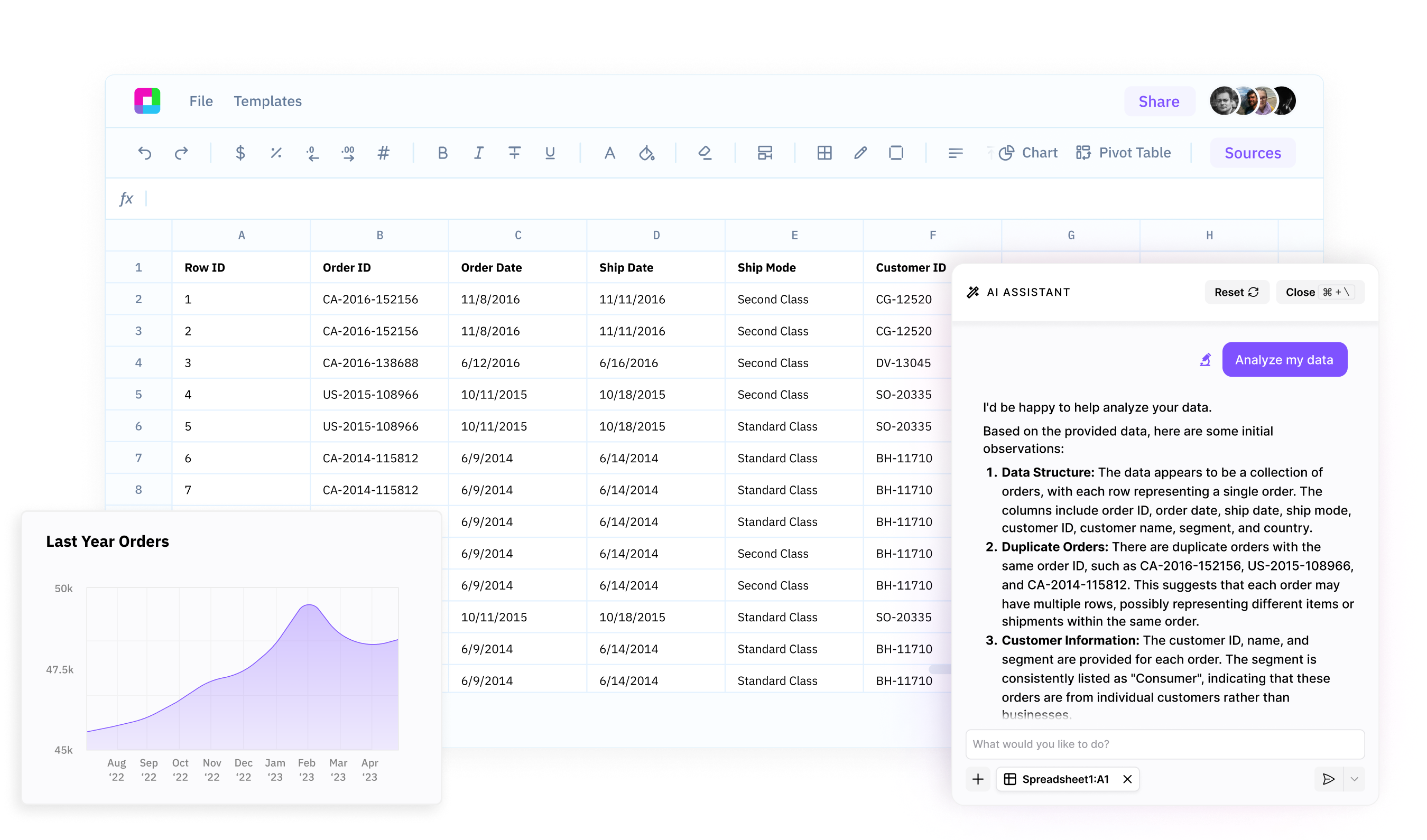
Format conversion and transformation
Convert CSV to JSON, Excel, or other formats instantly. Change delimiters, handle encoding issues, and transform data structures. AI ensures accurate conversion without data loss.
Data cleaning and validation
Clean messy CSV data, remove duplicates, and validate structure automatically. Trim whitespace, fix formatting issues, and ensure data quality before processing.
File merging and manipulation
Merge multiple CSV files, join datasets, and combine columns intelligently. Split data, filter rows, reorder columns, and transform file structures effortlessly.
Your AI-Powered CSV Converter
Sourcetable's AI CSV Converter enables you to convert CSV files, transform data formats, clean and validate data, and merge multiple files.
Professional CSV processing powered by AI
Format Conversion and Transformation
Convert CSV files to JSON, Excel, XML, or other formats instantly. AI handles encoding issues, detects file structure automatically, and preserves data integrity during conversion.
Try for free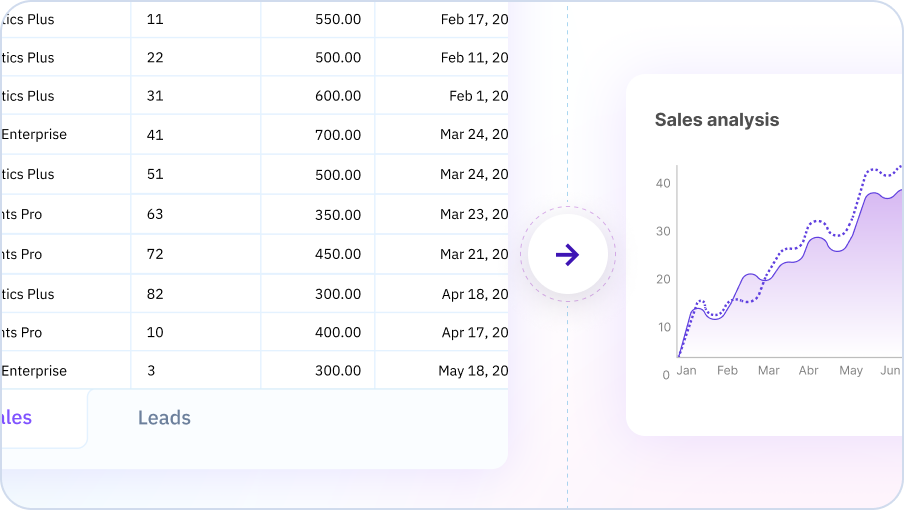
Data Cleaning and Quality Control
Clean messy CSV data with automatic parsing and validation. Remove duplicates, standardize formatting, parse dates consistently, and fix malformed rows to produce analysis-ready datasets.
Try for free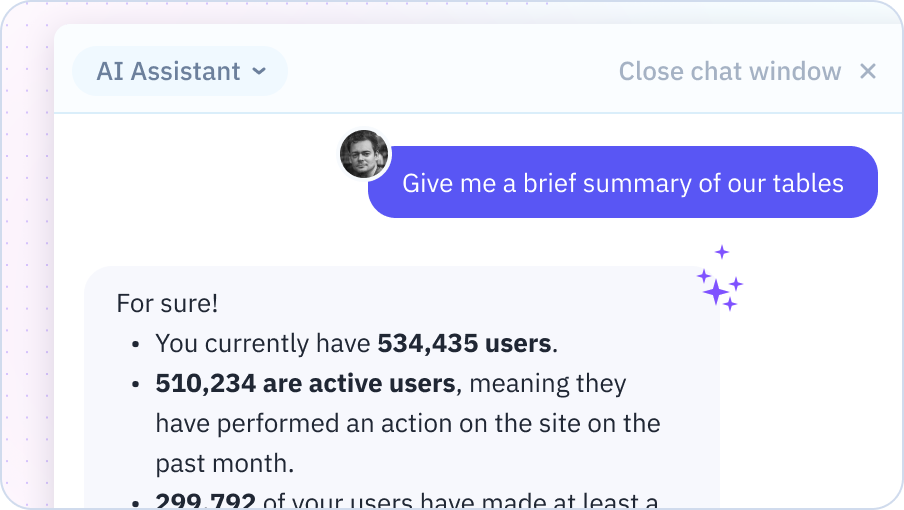
File Operations and Data Manipulation
Merge multiple CSV files, split large files into chunks, and filter or extract specific columns. Join datasets intelligently, reorder columns, and transform file structure to meet your requirements.
Try for free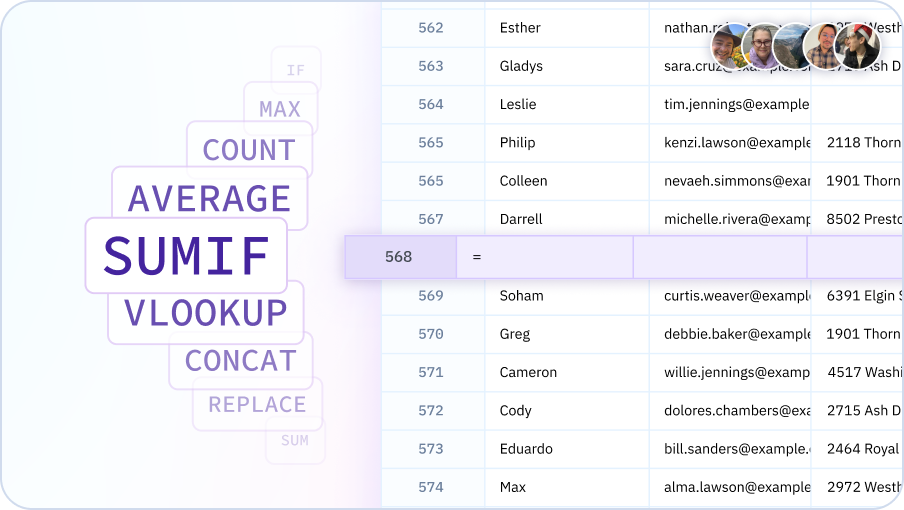
Convert CSV files with AI
Transform formats, clean data, and merge files - all with AI assistance in your spreadsheet.

Process CSV files effortlessly
CSV tools for everyone
Enable analysts, developers, and data workers to process CSV files professionally without scripting. Democratize file conversion and make data transformation accessible to all.
Instant format conversion
Convert CSV files in seconds, not hours. AI handles encoding issues, preserves data integrity, and ensures accurate transformation to any target format.
Reliable data quality
Clean and validate CSV data systematically, remove duplicates automatically, and ensure consistent formatting. Build robust data pipelines with quality-controlled CSV processing.
Efficient file operations
Merge multiple files quickly, split large datasets efficiently, and transform data structures easily. Handle complex CSV operations without manual work or custom scripts.
Team Purple
See what people say about Sourcetable

Chris Aubuchon
@ChrisAubuchon

Spreadsheets are still the best interface for so many real world projects, it's time for @SourcetableApp to give them a reboot

Micah Alpern
@malpern
Love seeing innovation in this space after so many decades with very little.



Frequently Asked Questions
What file formats can Sourcetable convert to/from CSV?
Sourcetable converts between CSV, Excel (.xlsx, .xls), TSV, JSON, XML, and various database formats. Simply upload your file and specify the output format you need.
Does the AI handle format-specific features during conversion?
Yes, Sourcetable's AI preserves data types, handles date formats, maintains precision for numbers, and adapts to format-specific features. For example, converting Excel to CSV preserves your data while flattening multiple sheets if needed.
Can I convert multiple files at once?
Yes, upload multiple files and Sourcetable's AI can batch convert them all to your desired format, maintaining consistent settings across conversions for efficiency.
What happens to Excel formulas when converting to CSV?
During Excel to CSV conversion, formulas are evaluated and converted to their calculated values by default. You can also export formula text if needed for documentation purposes.
Can the AI fix encoding issues during conversion?
Yes, Sourcetable's AI detects and handles character encoding issues automatically, ensuring special characters and international text display correctly in the converted file format.
How does this compare to manual file conversion?
Unlike manual conversion which often loses data or requires complex settings, Sourcetable's AI handles all format nuances automatically while preserving your data integrity and structure.