

AI Command Bar
Your AI-Powered Command Bar for Spreadsheets
The Sourcetable AI Command Bar is your shortcut to efficiency. Press Ctrl+K to instantly clean data, generate formulas, summarize content, autofill cells, translate data, and more. Work smarter, not harder.
Try for Free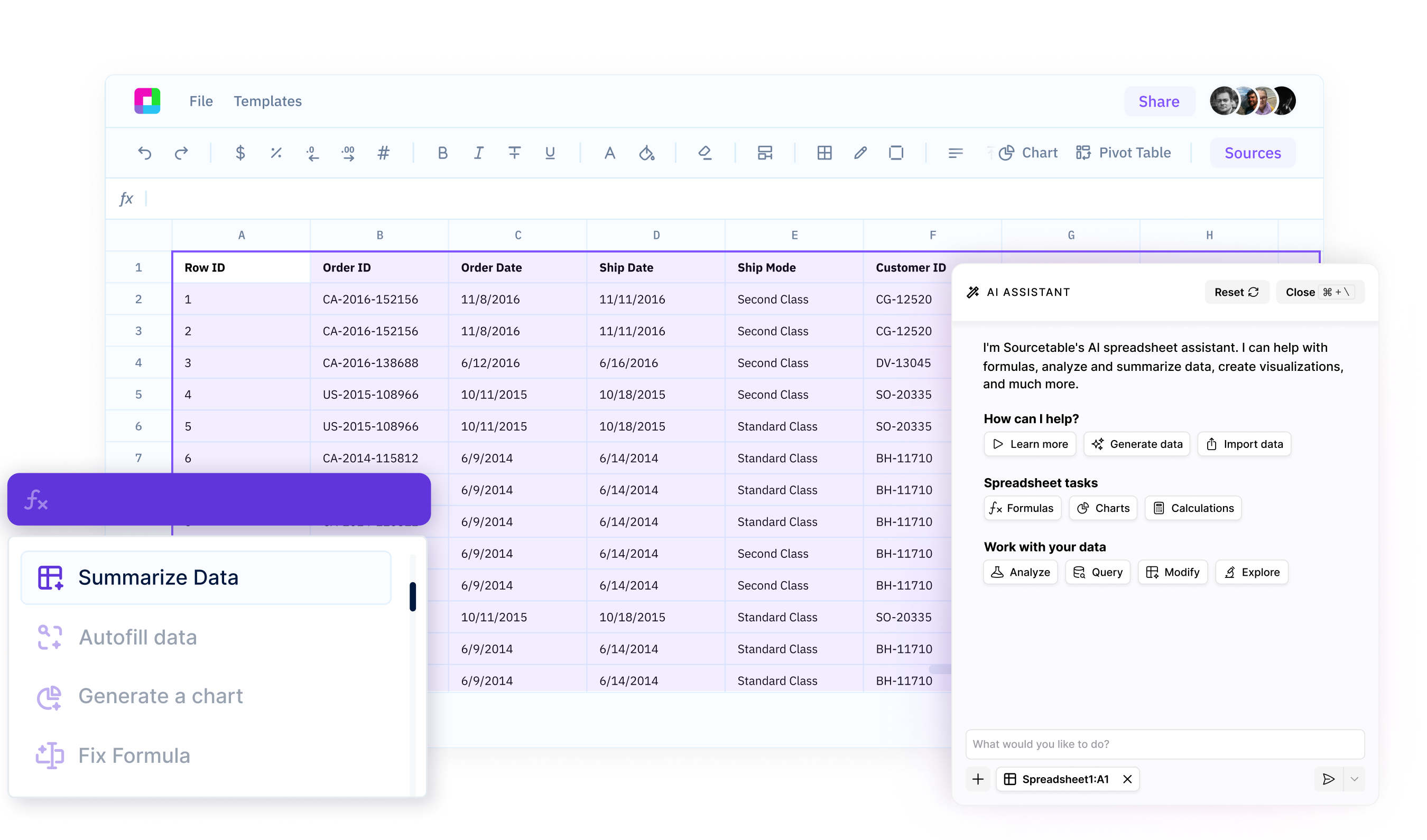
AI-Powered Data Cleanup
Fix formatting issues, remove duplicates, standardize text, and clean up messy data in just one command.
Instant Formula Assistance
Struggling with a complex formula? Let AI suggest, debug, or generate the perfect formula for your needs.
Magic Autofill & Translation
Autofill missing data with AI-powered suggestions or translate content instantly—no need for manual entry.
Unlock the Power of AI with a Single Shortcut
Press Ctrl+K to access powerful AI features instantly, right within your spreadsheet.
AI Summarization
Get instant summaries of complex data sets, reports, or any spreadsheet content. Let AI distill key insights in seconds.
Try for free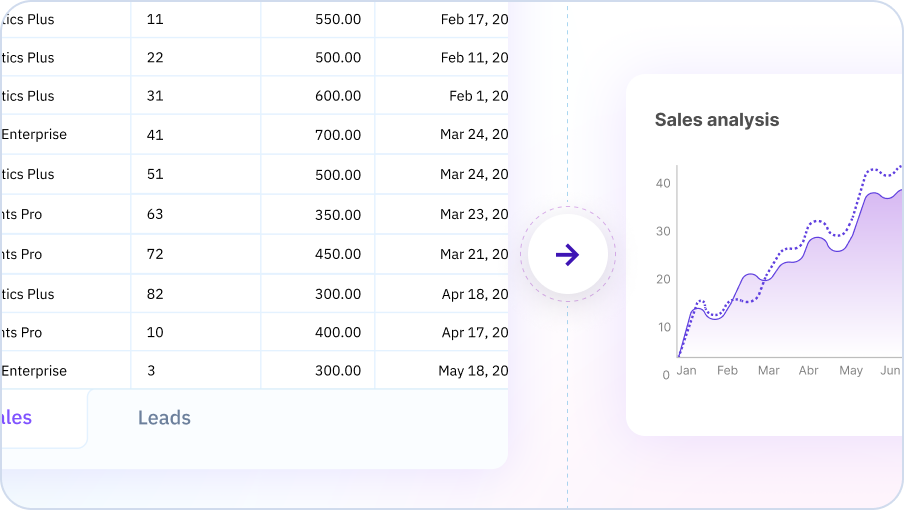
Formula Fixer & Helper
No more struggling with formulas. Let AI identify issues, suggest corrections, or generate new formulas tailored to your needs.
Try for free
Seamless Data Translation
Translate spreadsheet content between languages with a single command, making cross-border collaboration effortless.
Try for free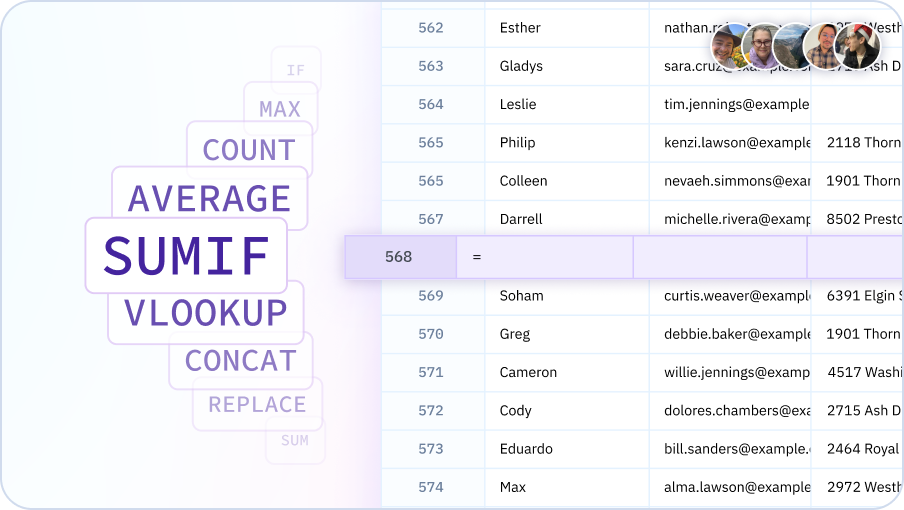
Transform Your Spreadsheet Workflow with AI
Instantly execute complex tasks like data cleaning, formula fixing, summarization, and more—just by pressing Ctrl+K.

Why Use Sourcetable's AI Command Bar?
AI-Powered Efficiency
Access AI-driven spreadsheet tools in an instant—no coding or manual effort required.
All-in-One Shortcut
Press Ctrl+K to clean data, fix formulas, summarize, autofill, and translate—without leaving your spreadsheet.
Boost Your Productivity
Eliminate repetitive tasks and streamline your workflow with AI-powered commands at your fingertips.
Seamless Integration
No need to switch between apps—get AI assistance directly within Sourcetable’s familiar interface.
Team Purple
See what people say about Sourcetable

Chris Aubuchon
@ChrisAubuchon

Spreadsheets are still the best interface for so many real world projects, it's time for @SourcetableApp to give them a reboot

Micah Alpern
@malpern
Love seeing innovation in this space after so many decades with very little.



Frequently Asked Questions
What is the Command Bar?
The Command Bar is a quick-access interface that lets you perform any Sourcetable action using keyboard shortcuts and natural language commands. Press Cmd/Ctrl + K to open it and type what you want to do.
What commands can I use in the Command Bar?
You can use the Command Bar for data analysis, creating charts, running formulas, searching data, navigating spreadsheets, generating insights, and any other Sourcetable action - all through quick commands.
How does the Command Bar improve productivity?
The Command Bar eliminates menu navigation and clicking. Type what you want to do and execute commands instantly with keyboard shortcuts, making common tasks much faster.
Can I create custom commands?
Yes, create shortcuts for frequently used operations. For example, set up 'monthly-report' to automatically run your standard monthly analysis workflow.
Does the Command Bar understand natural language?
Yes, type commands in plain English like 'analyze sales trends' or 'create pivot table of customers' and the Command Bar uses AI to understand and execute your request.
What keyboard shortcut opens the Command Bar?
Press Cmd + K (Mac) or Ctrl + K (Windows/Linux) to open the Command Bar from anywhere in Sourcetable. This makes it instantly accessible while you work.