

AI Spreadsheet Chat
Talk to your spreadsheets like you talk to ChatGPT
Sourcetable's AI assistant analyzes your data and answers questions in plain English. Ask about trends, generate charts, write formulas, create reports, and get actionable insights - all through natural conversation. No technical expertise required.
Try for Free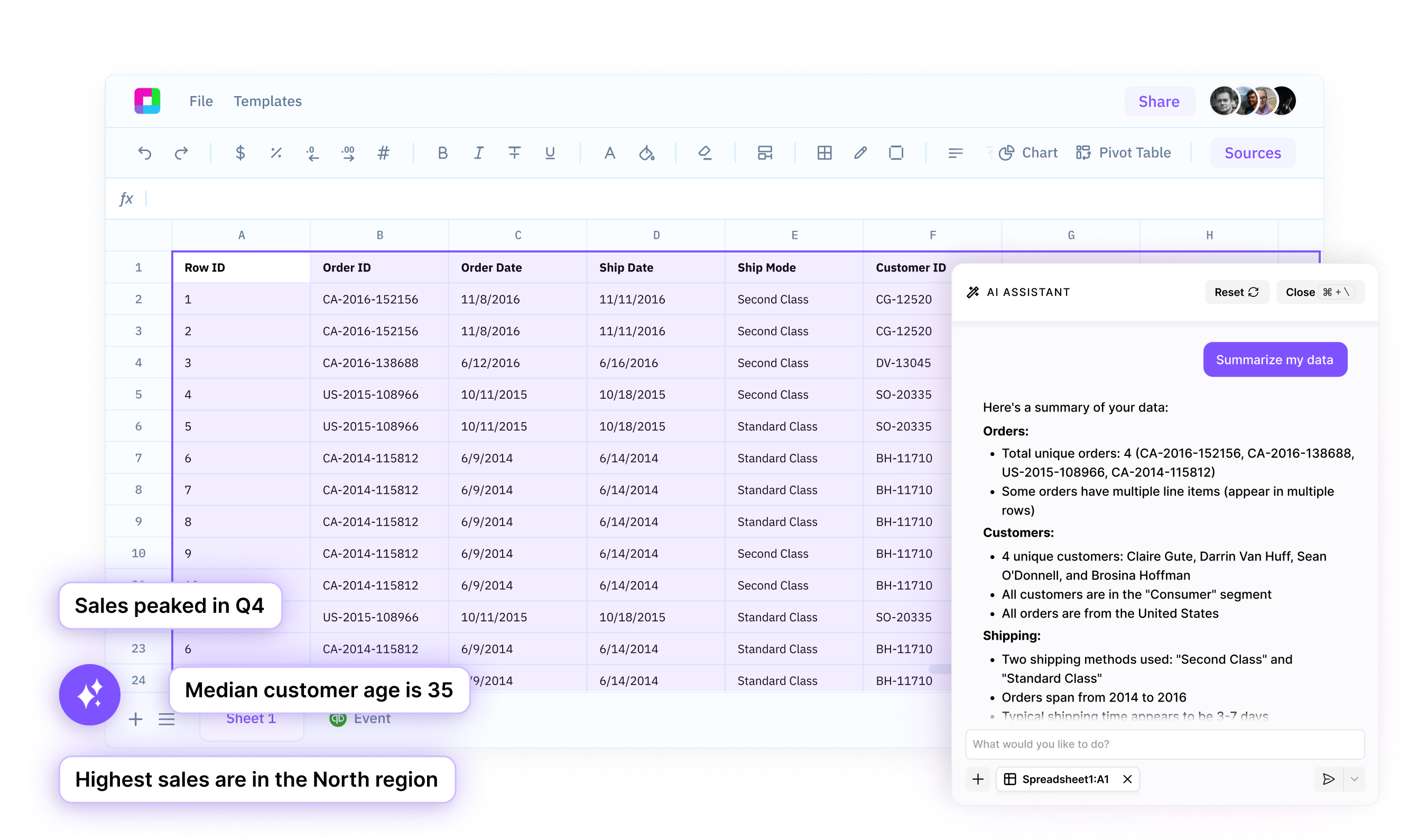
Ask questions, get instant answers
Skip the formulas and pivot tables. Simply ask questions about your data in plain English and get instant, accurate answers. Find trends, calculate metrics, and uncover insights through natural conversation.
Generate charts and visualizations automatically
Describe the chart you need and watch our AI create it instantly. From simple bar charts to complex multi-axis visualizations, get professional graphics without manual formatting or design work.
Build formulas and automate tasks
Tell the AI what you want to calculate or automate, and it writes the formulas for you. No need to remember syntax or lookup functions - just describe your goal and get working solutions immediately.
Your AI-powered spreadsheet copilot
Natural Language Processing
Forget complex menus and function syntax. Ask questions like 'What were my top products last quarter?' or 'Show me sales trends by region' and get immediate answers. Our AI understands context and delivers exactly what you need.
Try for free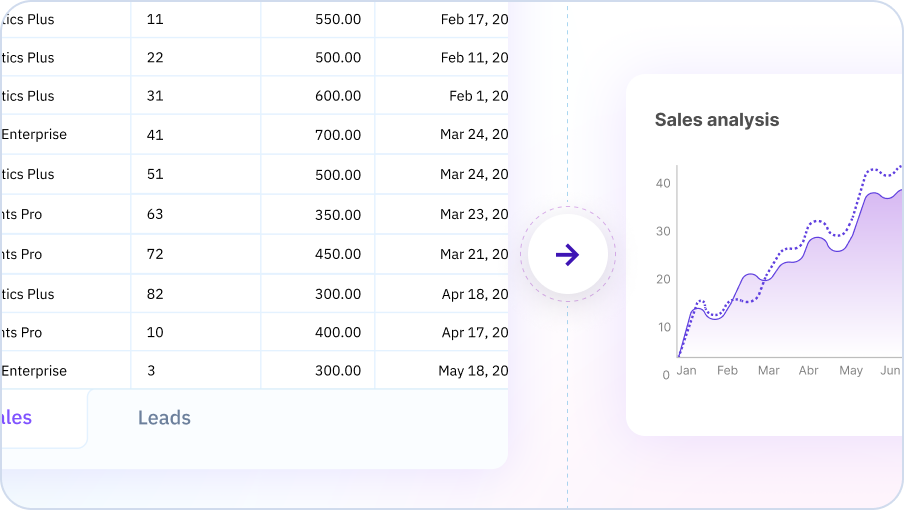
Intelligent Data Analysis
The AI doesn't just answer questions - it proactively identifies patterns, anomalies, and insights you might have missed. Get alerted to significant changes, correlations, and opportunities hidden in your data without having to know what to look for.
Try for free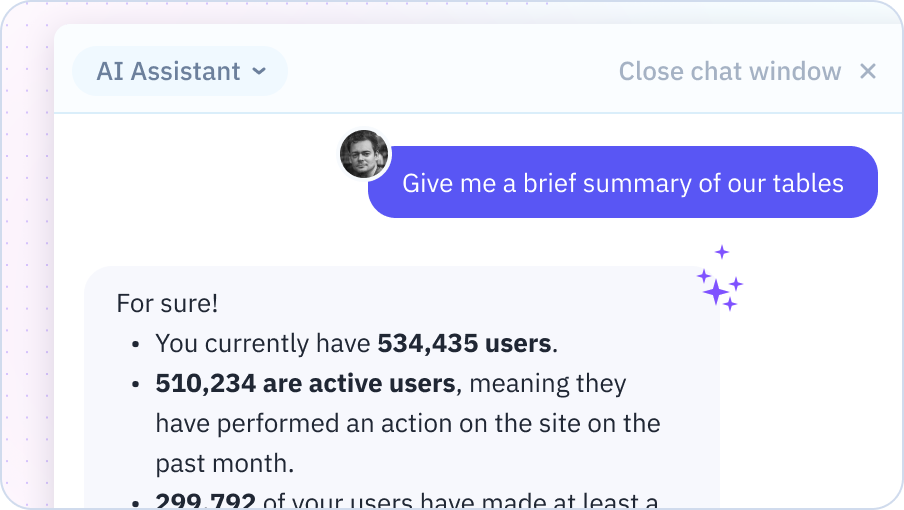
Multi-Modal Outputs
Receive answers in the format that makes the most sense - whether that's a number, a chart, a formatted table, a formula, or a written explanation. The AI automatically chooses the best way to communicate each insight for maximum clarity and impact.
Try for free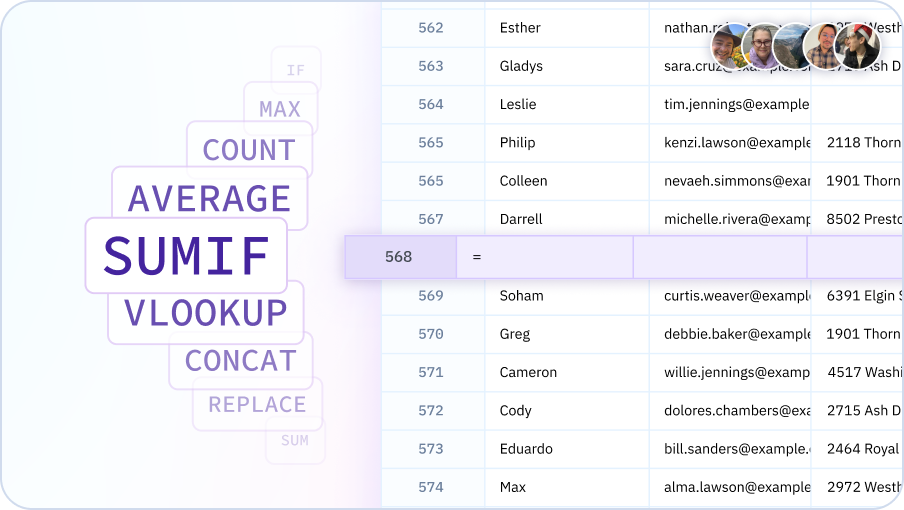
See how the AI assistant transforms spreadsheet work
Watch how Sourcetable's AI assistant helps you analyze data, create visualizations, write formulas, and generate reports through simple conversation. No technical expertise required.

Why use Sourcetable's AI assistant?
Work 10x faster
Stop wasting hours on manual data analysis, formula writing, and chart creation. Get instant answers and automation through simple conversation, completing in minutes what used to take hours.
No technical skills required
You don't need to know formulas, pivot tables, or data visualization best practices. Just ask questions in plain English and let the AI handle all the technical complexity for you.
Make better decisions
The AI proactively surfaces insights you might have missed and explains what the data means in business terms. Get the complete picture faster and make more informed, data-driven decisions.
Always available expert
Have a tireless data analyst available 24/7 to answer questions, explore hypotheses, and help you understand your data. No waiting for meetings or competing for analyst time.
Team Purple
See what people say about Sourcetable

Chris Aubuchon
@ChrisAubuchon

Spreadsheets are still the best interface for so many real world projects, it's time for @SourcetableApp to give them a reboot

Micah Alpern
@malpern
Love seeing innovation in this space after so many decades with very little.



Frequently Asked Questions
How does chatting with my data work?
Upload your data (spreadsheets, CSV, databases) and ask questions in natural language. Sourcetable's AI understands your data structure and retrieves, analyzes, and visualizes information based on your questions.
What kinds of questions can I ask my data?
Ask anything: 'What were top selling products last month?', 'Show me customers who haven't purchased in 90 days', 'What's driving the revenue increase?', 'Compare Q1 to Q2 performance', etc.
Does the AI remember previous questions in the conversation?
Yes, Sourcetable's AI maintains conversation context. Ask follow-up questions like 'now break that down by region' or 'show me a chart' without repeating the original context.
Can I chat with data from multiple sources?
Yes, connect multiple data sources (databases, spreadsheets, APIs) and ask questions that span across them. Sourcetable's AI automatically joins relevant data to answer cross-source questions.
How is this different from just using a spreadsheet?
Instead of manually building formulas and pivot tables, you have a conversation with your data. Sourcetable's AI handles the technical work while you focus on getting answers and insights.
Can I export insights from the chat?
Yes, export any analysis, chart, or table generated during your conversation to Excel, PDF, or other formats. Share insights with stakeholders who weren't part of the chat.